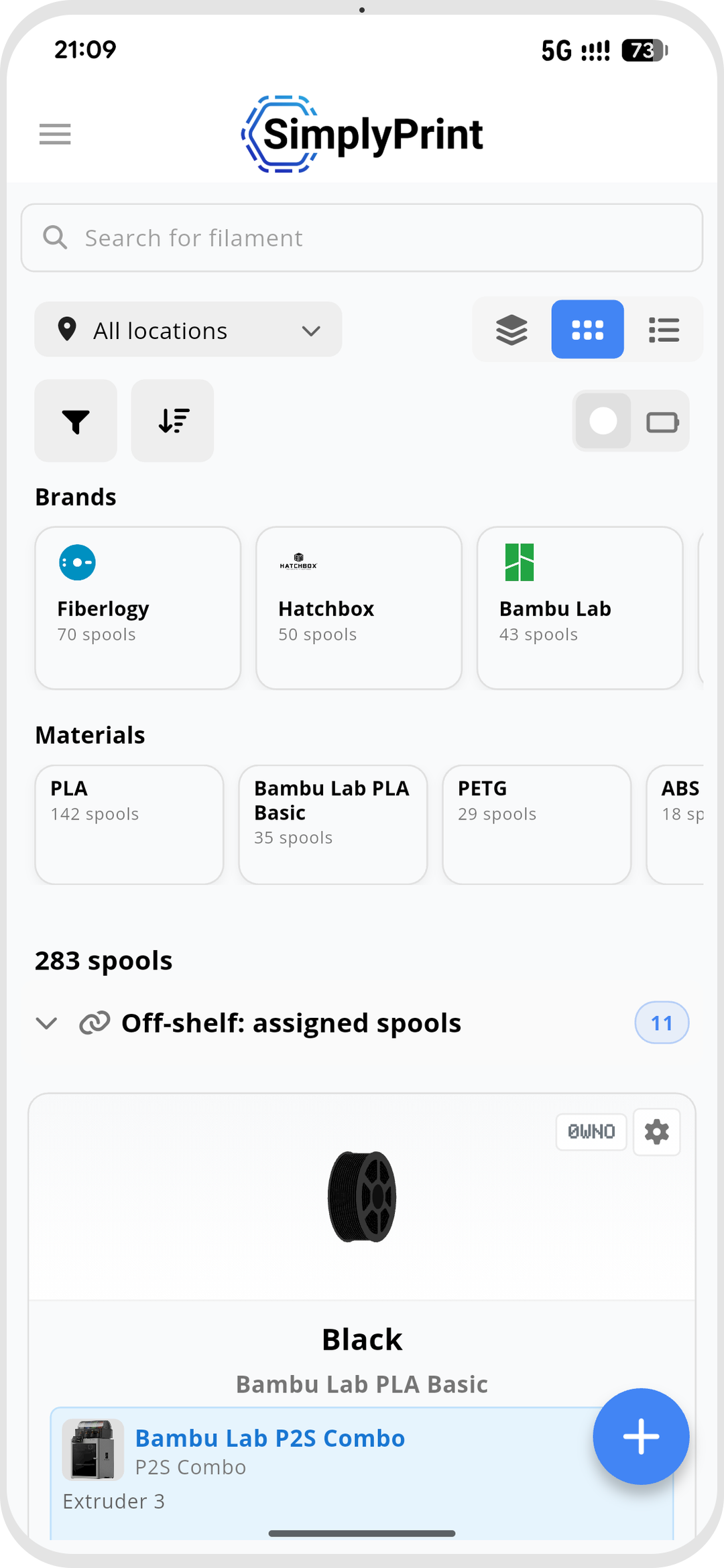
A native app for iOS and Android
The SimplyPrint app is a native Flutter app on both iOS and Android. Both platforms give you full filament management - view your inventory as a list, grid, grouped or table layout, adjust weights, set locations and assign spools - plus QR-code and barcode scanning through the camera. NFC is where the two platforms differ, and we're upfront about exactly how.
Read and write filament NFC tags from your phone
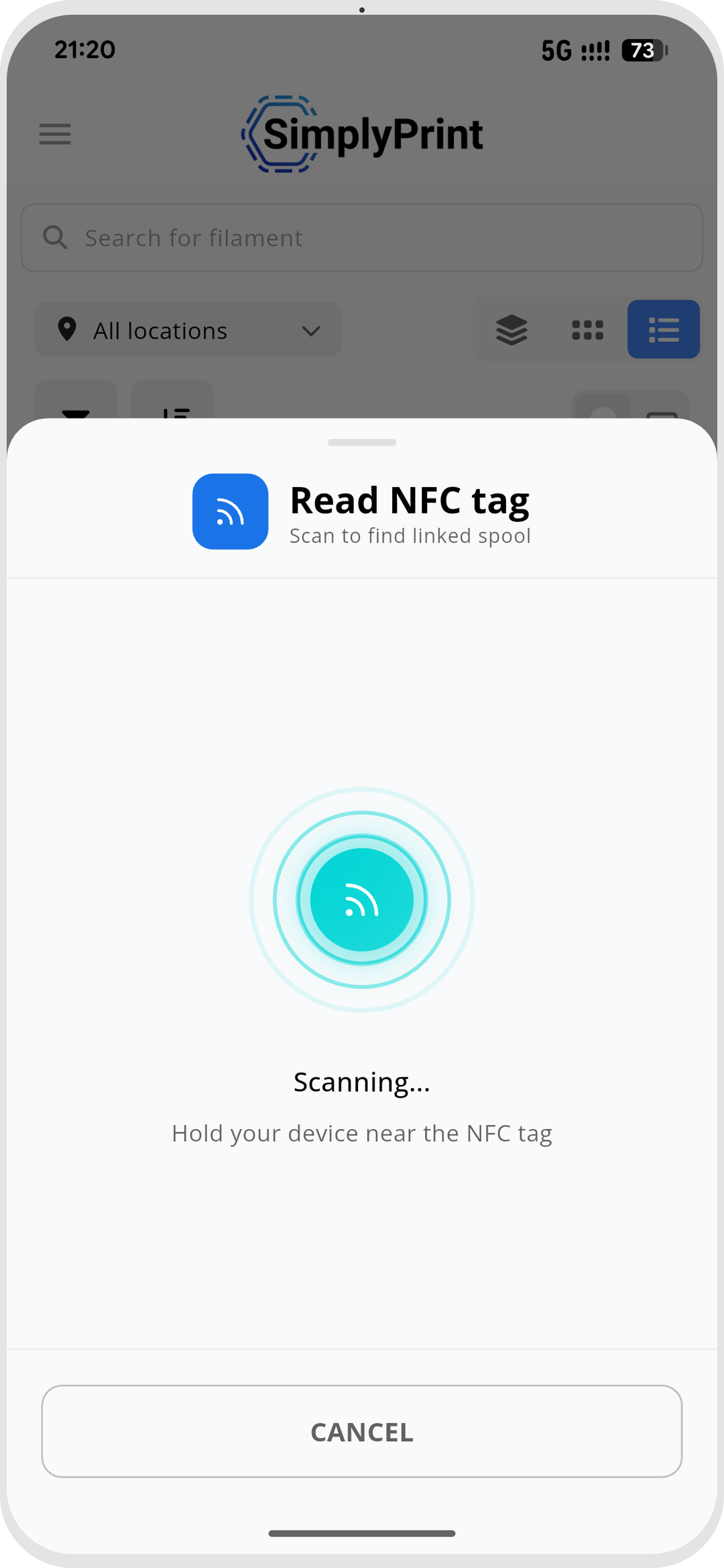
Tap a spool's NFC tag to read it, or write a tag so your printer recognises the spool. The two platforms aren't identical, and that's a hardware limit, not a SimplyPrint one:
Android reads and writes every standard - including the MIFARE-based Bambu Lab, Creality CFS and QIDI tags, plus the open standards.
iOS reads and writes the open standards only - OpenPrintTag, OpenSpool, OpenTag, Anycubic and the SimplyPrint URL standard. Apple's hardware can't read MIFARE Classic, so Bambu, Creality and QIDI NFC is Android-only.
iOS vs Android: what each phone can do
QR-code and barcode scanning and full filament management work everywhere. NFC tag support depends on the phone's hardware.
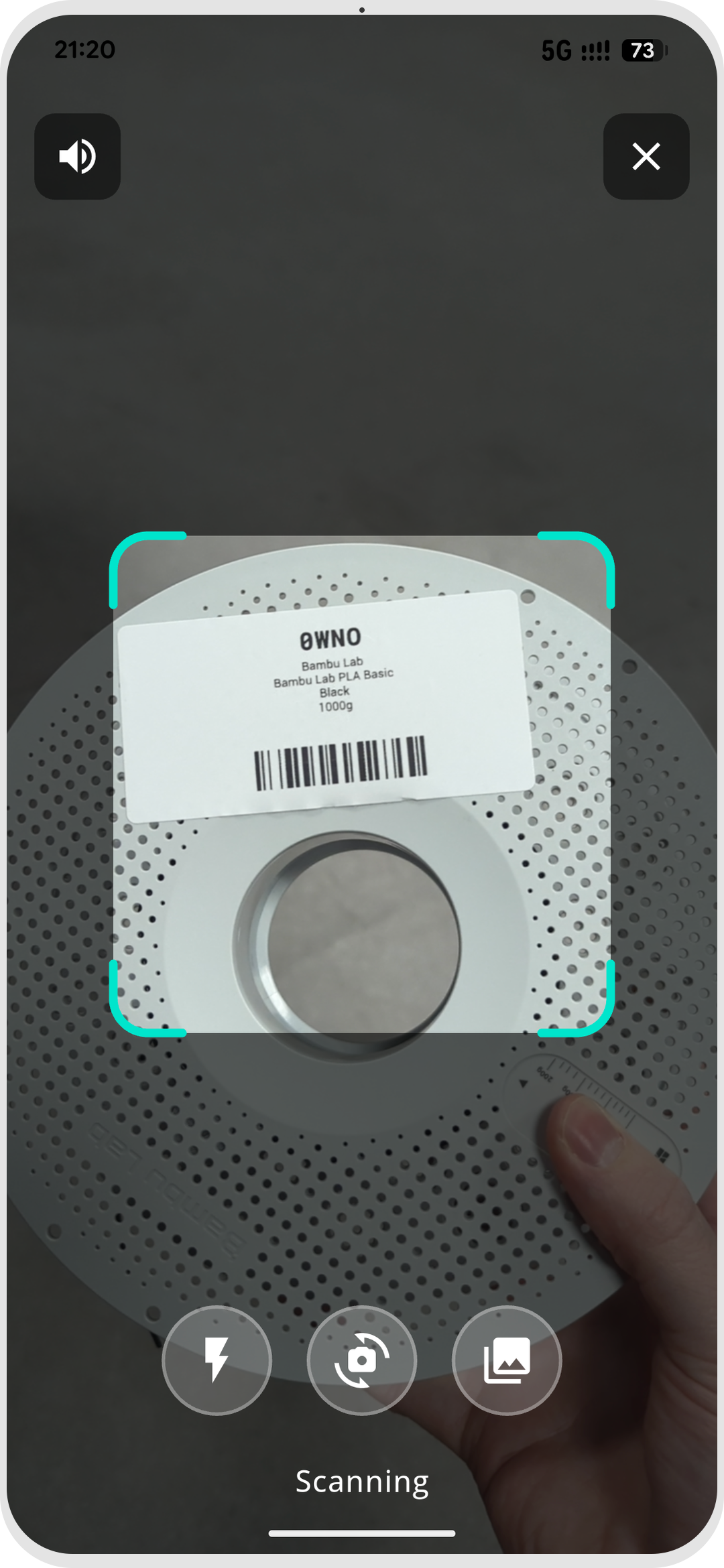
Scan QR codes and barcodes with your camera
On both iOS and Android, point the camera at a spool's QR-code or barcode label and the app jumps straight to that spool. It's the fast way to check remaining weight at the shelf, confirm which roll you're holding, or pull up a spool's details before you load it - no NFC required.
Full filament management on the go
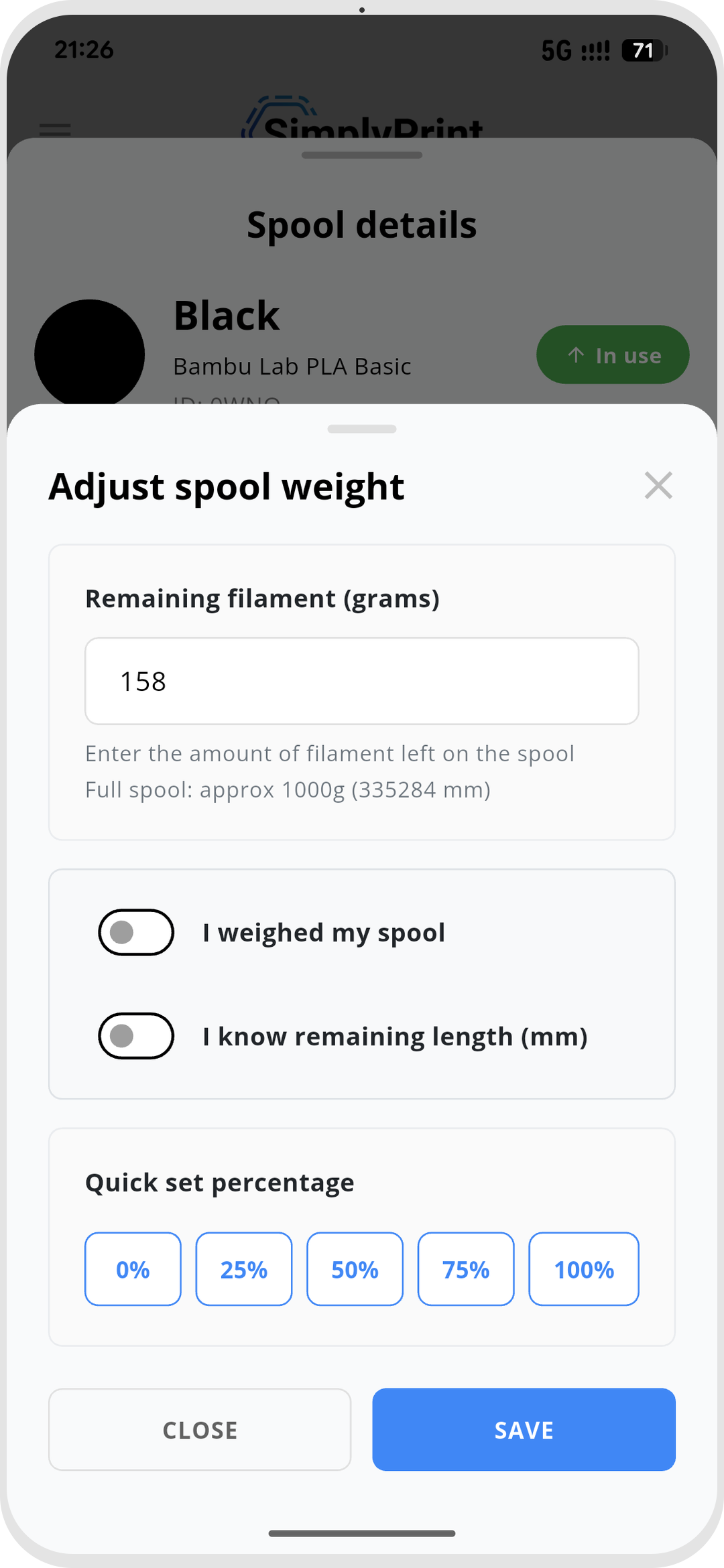
The app isn't a read-only companion. Browse your inventory as a list, grid, grouped or table view, adjust a spool's remaining weight, move spools between locations, and assign a spool to a printer - all from your phone, right where the filament lives. Everything you'd do in the web panel's filament manager, in your hand.
Reads work offline, writing needs a connection
Reading a tag works offline - tap a spool and you'll see what's on it even with no signal at the shelf. Writing a tag needs internet, because the app fetches the exact data to encode before it writes. So you can scan and read anywhere, and write whenever you're connected.
Synced with your web panel inventory
The app and the SimplyPrint web panel share one inventory in the cloud. Adjust a weight or assign a spool on your phone and it's reflected in the panel; the spools you manage at your desk are the spools you scan at the shelf. One filament manager, every device.
See the mobile app & control panelPlan access: what's required for the app's filament features?
The filament manager is free on every SimplyPrint plan. NFC read and write and barcode/QR scanning are plan features, and each plan includes a monthly allowance of NFC tag writes.
| Feature / Limit | Free | Basic | Pro | Print Farm | Enterprise | School | Cloud Slicer | Filament Manager |
|---|---|---|---|---|---|---|---|---|
|
Barcode & QR scanning
Scan QR-code and barcode labels with the phone camera to pull up a spool.
|
||||||||
|
NFC tag writes per month
How many NFC tags you can write to spools each month.
|
10 | 30 | 100 | 10 |
Want to learn more about our plans?
View full pricing & feature comparisonFrequently asked questions
Does my phone have the NFC support I need?
Can my iPhone write Bambu Lab filament tags?
Can I use the app without an internet connection?
Is the app free?
Does the app do everything the web filament manager does?
Get the SimplyPrint app
Free on iOS and Android. Sign in and your filament inventory is right there at the shelf.
Free to install, included with every SimplyPrint plan.


Works on iPhone, iPad and Android phones & tablets.