
Wirelessly interact with your printer
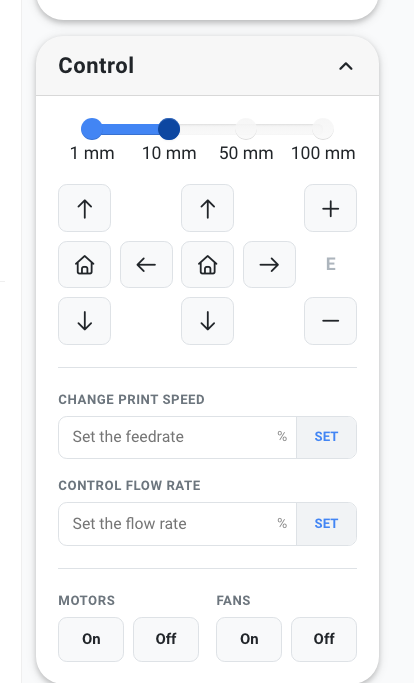
The control panel is the printer's own interface, from here it's possible to do things like set temperatures, move the axis, control fans ad much more.
Control your printer
The easy-to-use control panel lets you move the printer's axis around in, X, Y, Z, and extruder.
In addition, you can also control the print speed, the flow rate of the extruder, and fans while printing. This is a very fast way to modify the printing quality while the printer is doing its job.
Monitor your print jobs
On the right side of the control panel, you will find the tools for monitoring your printer when printing as well as before you start a print.
At the top, you will find the camera feed if you have that connection. This feed will be streamed directly to whatever device you are on, no matter where you are. Right beneath that, you can monitor the temperature on both the hotend and the bed.

One control panel, every major firmware
The same control panel works whether your printer runs OctoPrint, Klipper, Prusa's native Buddy firmware, or Bambu Lab's cloud / LAN stack. Move axes, change temperatures, swap filament, and monitor the camera the same way on every machine in your fleet - no per-printer interface to learn.
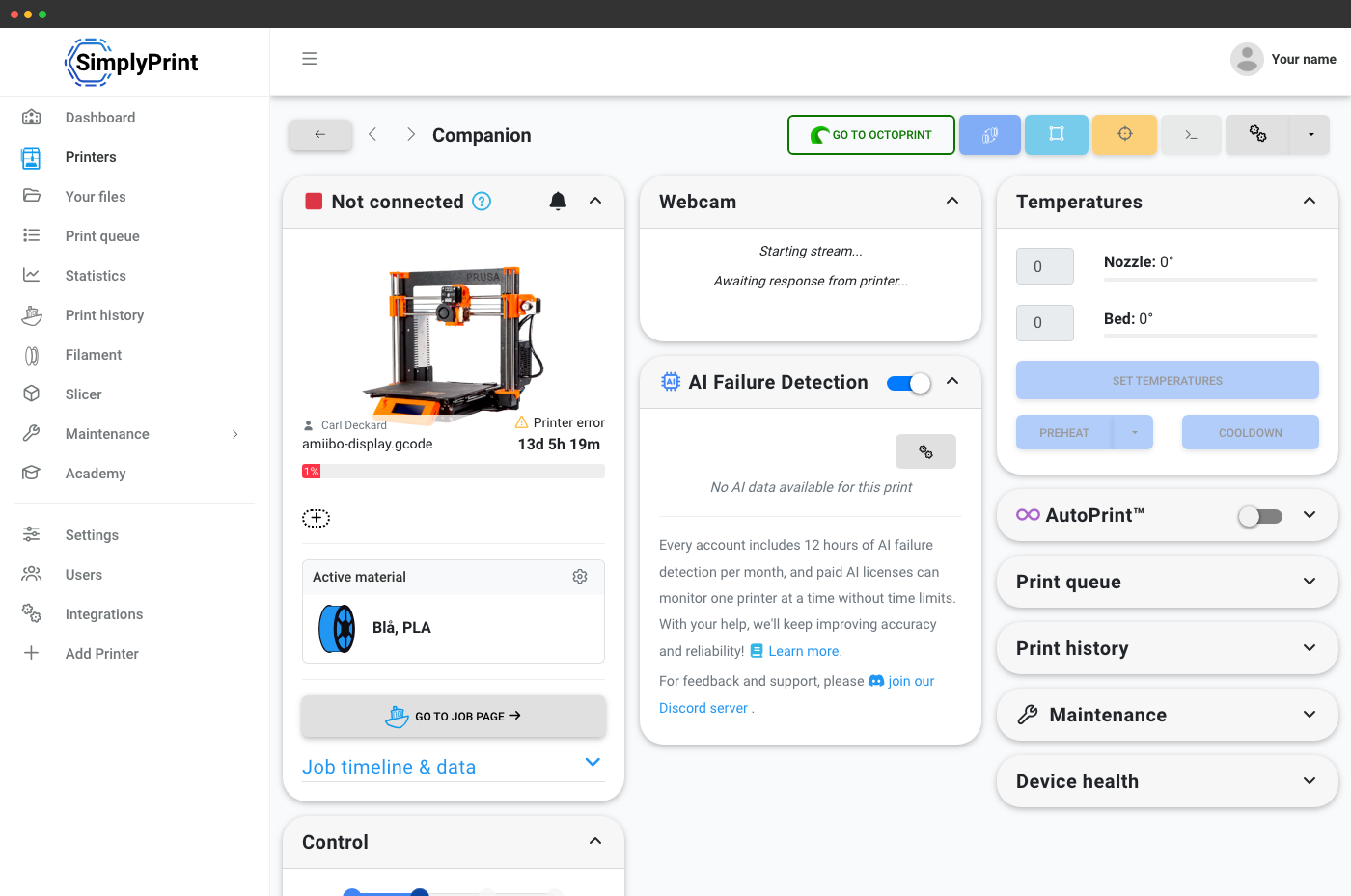
Prusa MK3S+ via OctoPrint - full control plus a one-click jump to the local OctoPrint UI when you're on the same network.

Creality K1 Max on Klipper - same UI, same controls, no Mainsail or Fluidd hopping required.

Prusa MK4 on stock Buddy firmware - no OctoPrint needed, SimplyPrint talks directly to the printer.
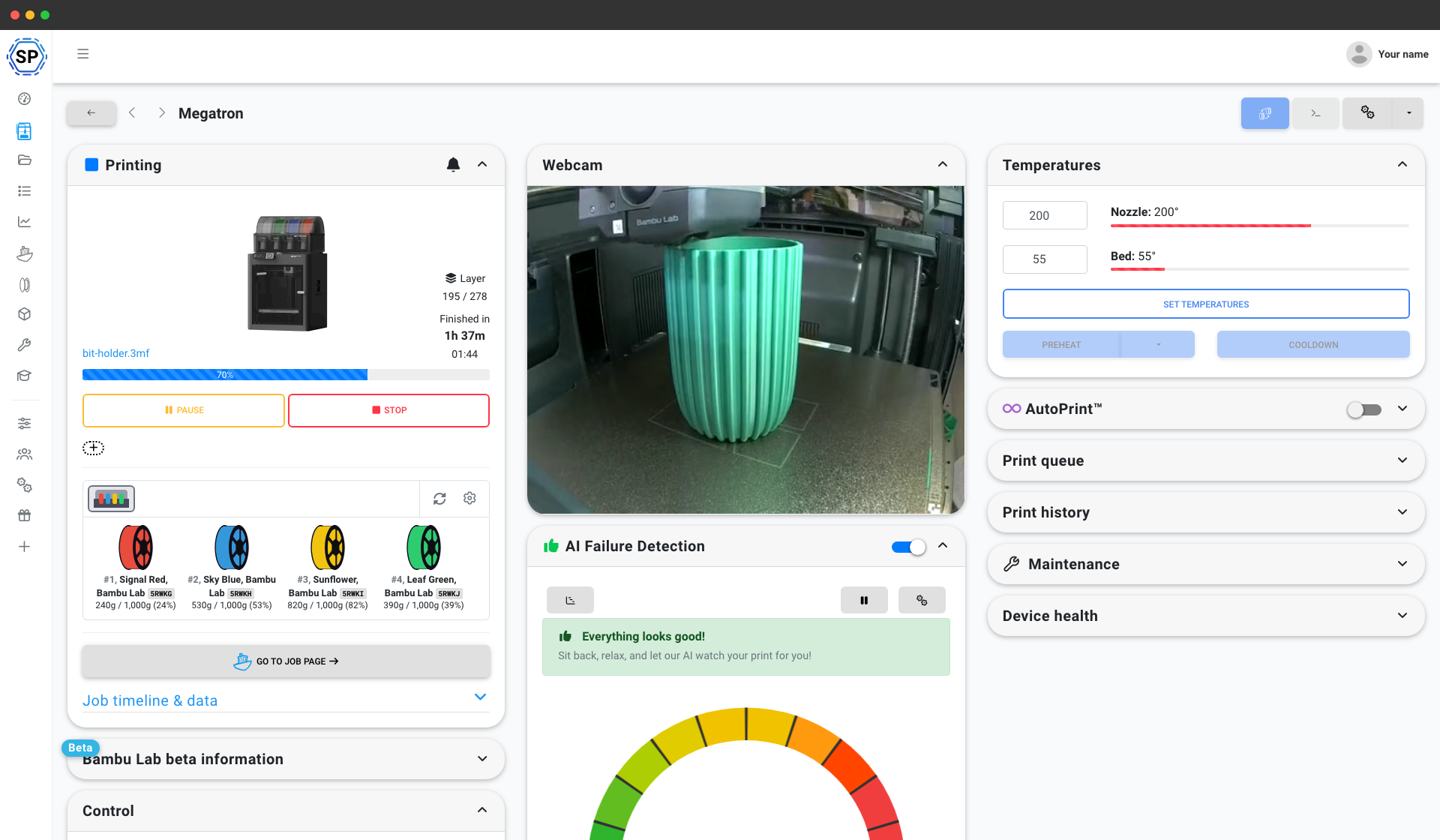
Bambu Lab P1S Combo with AMS - per-slot filament view alongside the same control panel.
Quick access to the smart features
SimplyPrint has features that are helpful in the day to day operations, these include filament change assistant, bed leveling wizard, and the ability to write gcode by hand and send it to the printer.
When you are on the same network connection as your printer, you will see the green 'go to OctoPrint' button that will open up OctoPrint in another tab.

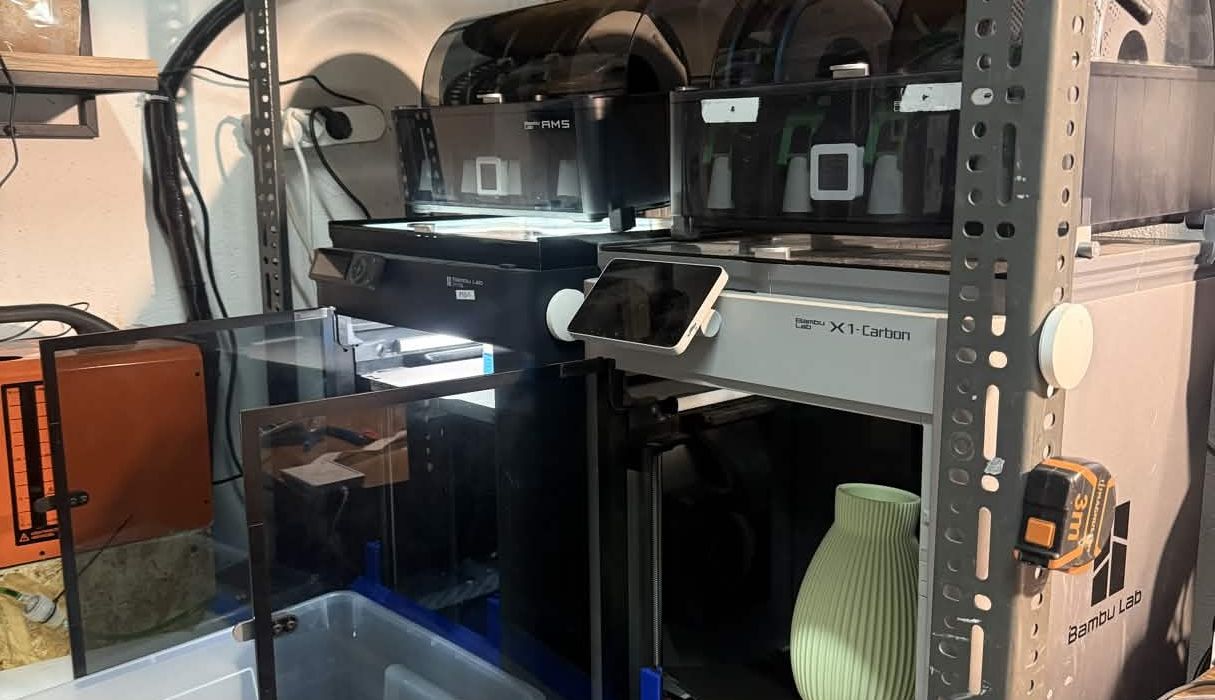
See how 3D Forge uses Control Panel to run ~15 printers (mostly Bambu Lab)
What I'd hate to lose most is the ability to manage the farm as one system instead of separate printers. Instead of treating every printer as a separate island, the farm can be managed more like one production system.