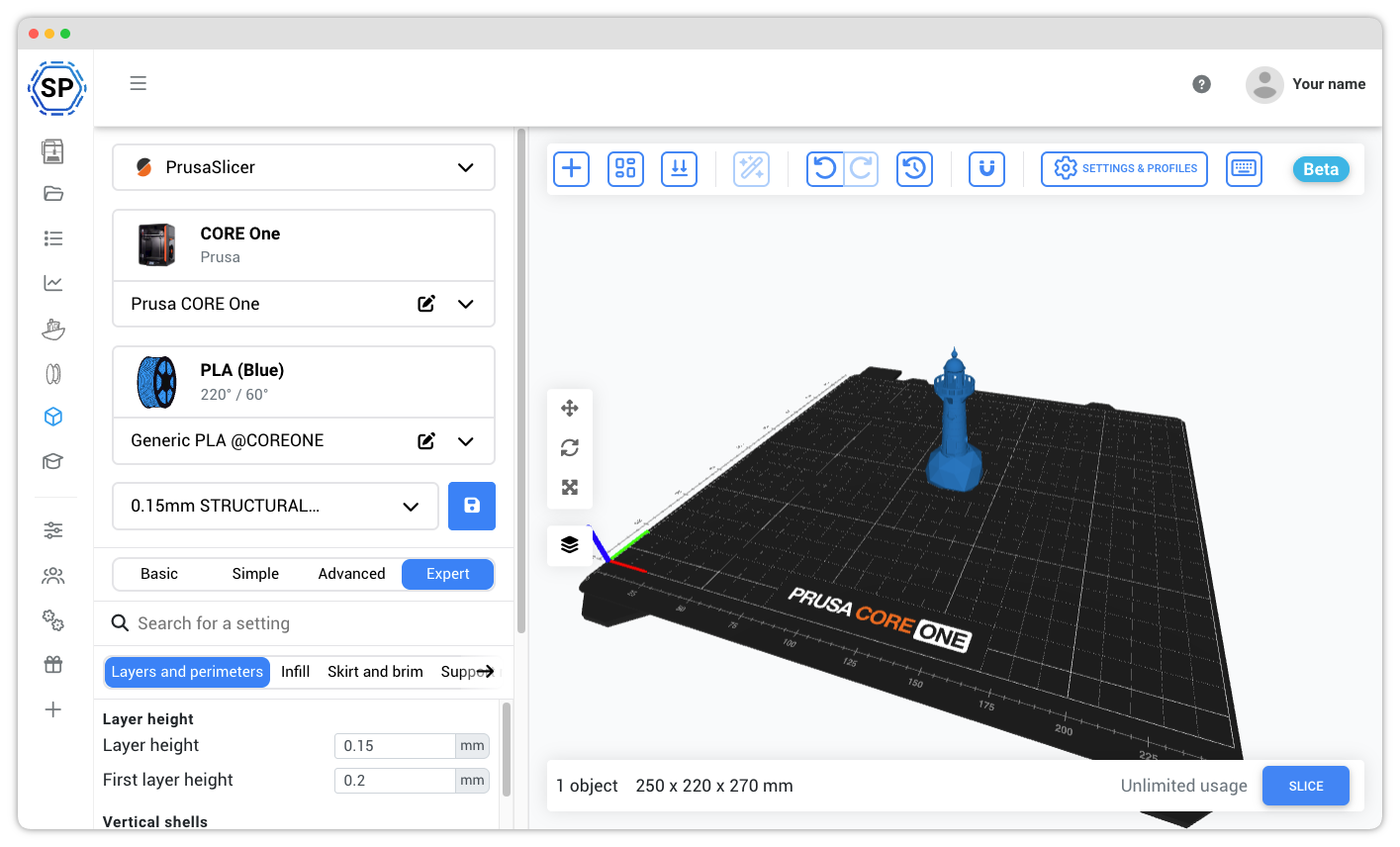
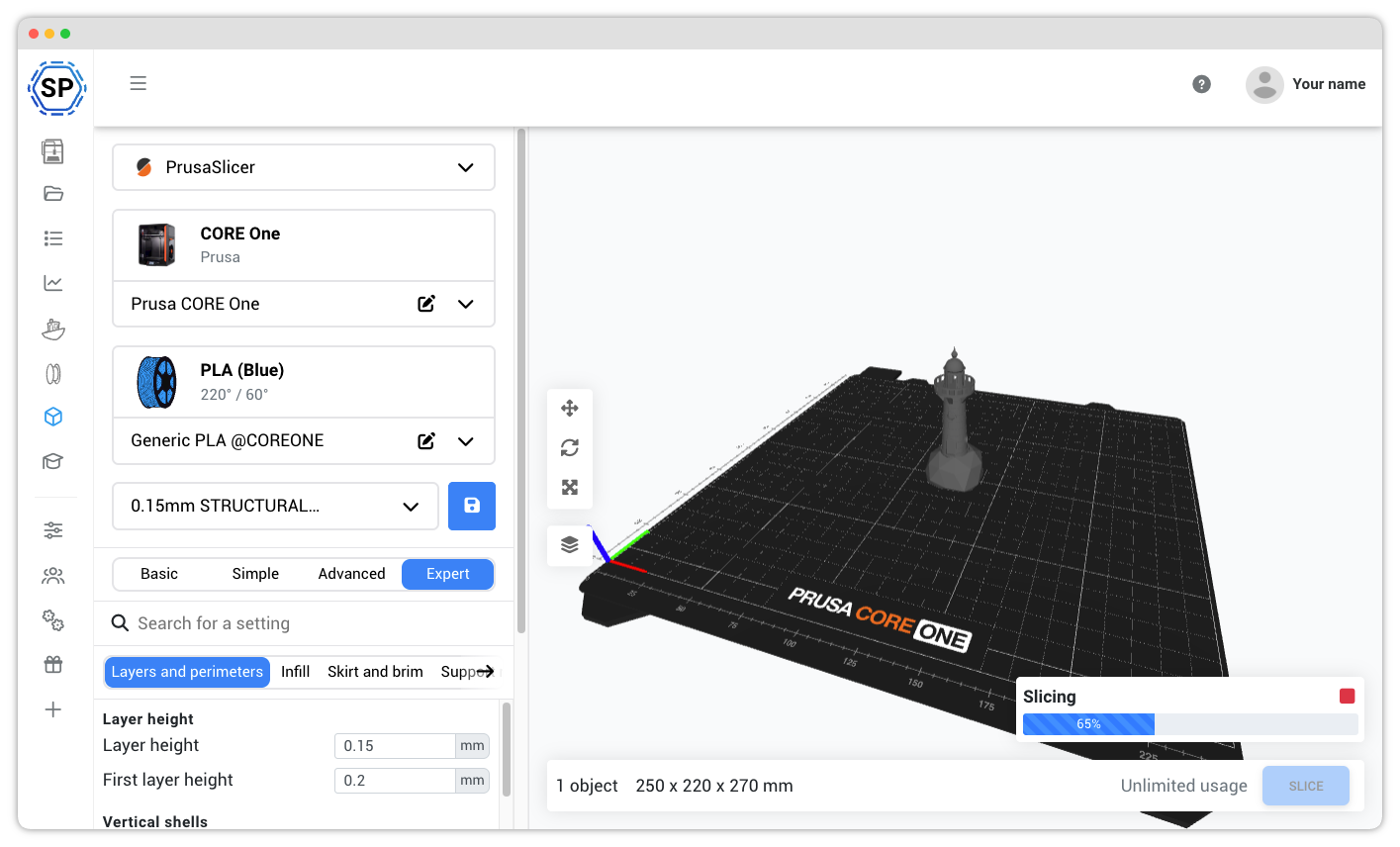
Hvorfor bruge PrusaSlicer online?
PrusaSlicer er en af de mest betroede og pålidelige slicing-engines i 3D-print-communityet. Oprindeligt udviklet af Prusa Research til deres Prusa-printere, er den blevet en favorit blandt 3D-printentusiaster for sin præcision, pålidelighed og omfattende funktioner.
Med SimplyPrints cloudløsning kan du nu slice med PrusaSlicer-motoren hvor som helst og på enhver enhed. Uanset om du ejer en Prusa-printer eller blot foretrækker PrusaSlicers workflow, kan du nu bruge den uden at installere noget på din computer.
Med en slicer i din browser, der kører i skyen, kan du bruge den på enhver enhed! Det betyder, at tablets, smartphones og Chromebooks nu kan bruges til slicing!
Fuld PrusaSlicer-oplevelse, alle indstillinger og profiler tilgængelige
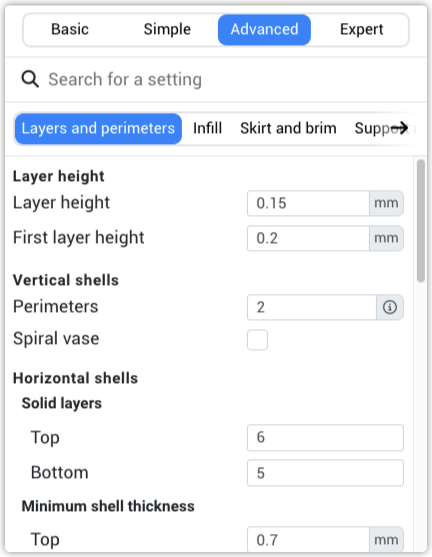
Vi bruger den uændrede officielle PrusaSlicer-engine, så du får 100 % af profilerne og 100 % af indstillingerne fra desktopversionen. Alle printerprofiler, filamentforudindstillinger og printindstillinger er tilgængelige.
Uanset om du bruger enkel tilstand til hurtige print eller avanceret tilstand til at finjustere hver parameter, har du alle PrusaSlicers funktioner lige ved hånden i skyen.
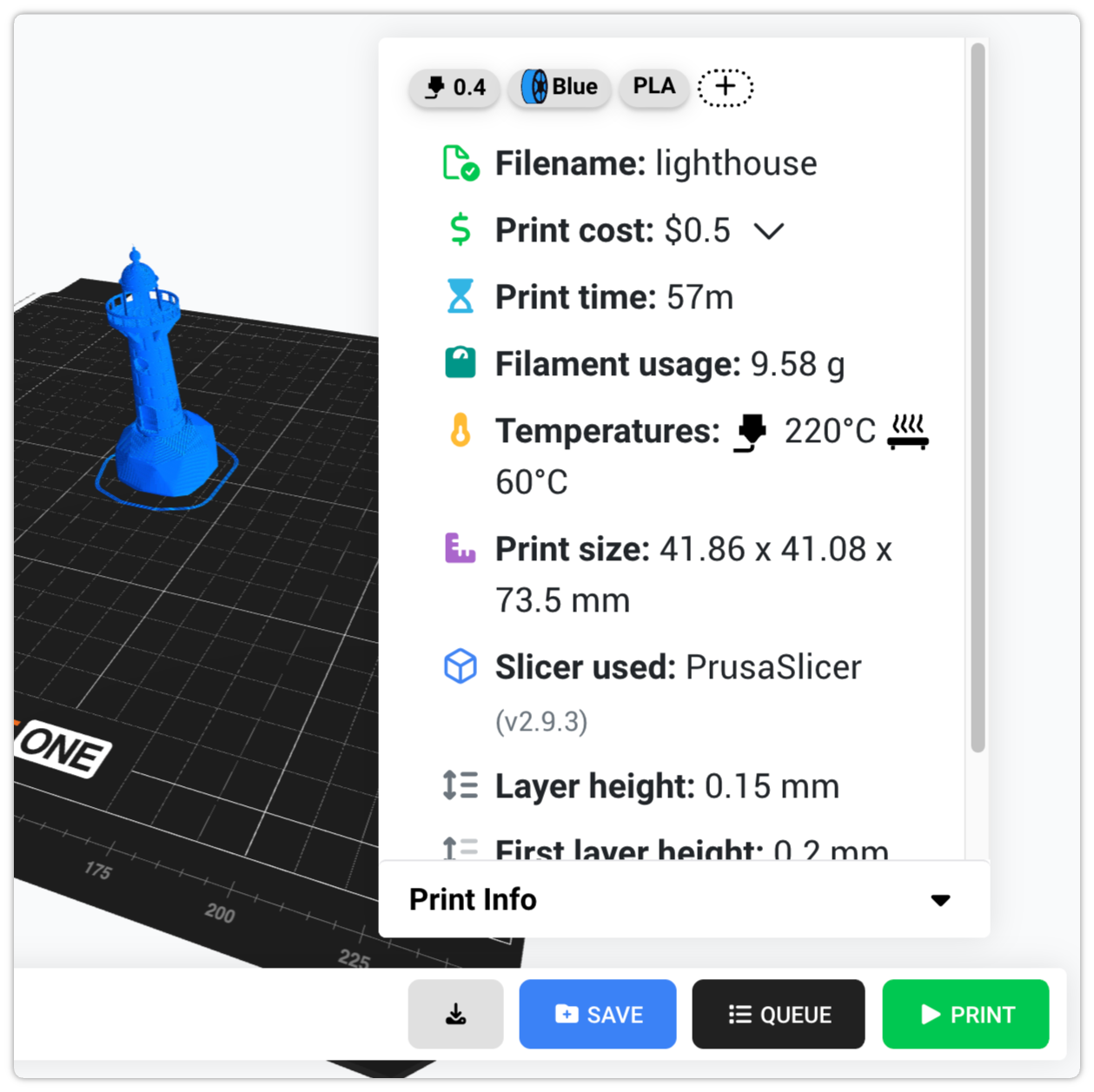
Mere end bare slicing: print, sæt i kø og gem hvor som helst
SimplyPrint giver dig mulighed for at slice og printe hvor som helst. Platformen tilbyder ikke kun slicing, men et 3D-printøkosystem.
Du kan sætte filer i kø, eventuelt administrere flere printere, gemme filer, gemme dit filament i vores filamentbeholdning og meget, meget mere.
Brug PrusaSlicer på en Chromebook, tablet eller telefon: ingen installation nødvendig
Desktopversionen af PrusaSlicer kører ikke på ChromeOS, iPadOS, Android eller iOS, men vores cloudversion af PrusaSlicer gør. Alle Original Prusa-profiler (MK4S, MK4, MK3.5, MINI+, XL, CORE One), alle filamentforudindstillinger og alle printindstillinger er tilgængelige i enhver moderne browser på enhver enhed.
Hvorfor det er vigtigt for Prusa-ejere:
- Chromebooks (skoler og klasseværelser): Chromebooks i klasseværelset kan ikke installere PrusaSlicer til desktop, men de kan køre vores cloudversion af PrusaSlicer i Chrome. Perfekt til skolernes 3D-printlaboratorier med Prusa-flåder, og Prusa er et populært mærke inden for uddannelse.
- iPads og Android-tablets: Design på sofaen, slice og send til din Prusa-printer uden nogensinde at bruge en stationær computer. Den fulde PrusaSlicer-grænseflade er touchvenlig og tilpasser sig mindre skærme.
- Telefoner (iPhone og Android): Skal du slice igen og sende et print igen fra den anden side af rummet? Åbn Safari eller Chrome, så har du adgang til den fulde PrusaSlicer.
- Bærbare med lave specifikationer og ældre Macs: slicing sker på vores servere, ikke på din maskine. En 5 år gammel bærbar kan slice et komplekst MK4S- eller XL-print på sekunder.
- Linux-brugere: ingen kamp med AppImage-tilladelser eller distributionsspecifikke builds, PrusaSlicer i skyen kører i Firefox, Chrome eller enhver browser på enhver Linux-distribution.
Læs mere om vores slicer og vores andre understøttede slicermotorer
PrusaSlicer er blot én af de kraftfulde slicing-motorer, vi understøtter. Udforsk vores komplette cloud-baserede slicer-løsning og opdag vores andre motorer: OrcaSlicer, BambuStudio, ElegooSlicer, CrealityPrint, Cura & Kiri:Moto.
Online cloudbaseret slicer
Brug PrusaSlicer, OrcaSlicer, BambuStudio, ElegooSlicer, CrealityPrint, Cura & Kiri:Moto online i skyen, på enhver enhed, hvor som helst!
Se oversigt over Online cloudbaseret slicerSe også

OrcaSlicer Online
Brug OrcaSlicer online i skyen, på enhver enhed, hvor som helst!

BambuStudio Online
Brug BambuStudio online i skyen, på enhver enhed, hvor som helst!

ElegooSlicer Online
Brug ElegooSlicer online i skyen, på enhver enhed, hvor som helst!

CrealityPrint Online
Brug CrealityPrint online i skyen, på enhver enhed, hvor som helst!

Cura Online
Brug Cura online i skyen, på enhver enhed, hvor som helst!

Ofte stillede spørgsmål
Er dette virkelig PrusaSlicer eller en modificeret version?
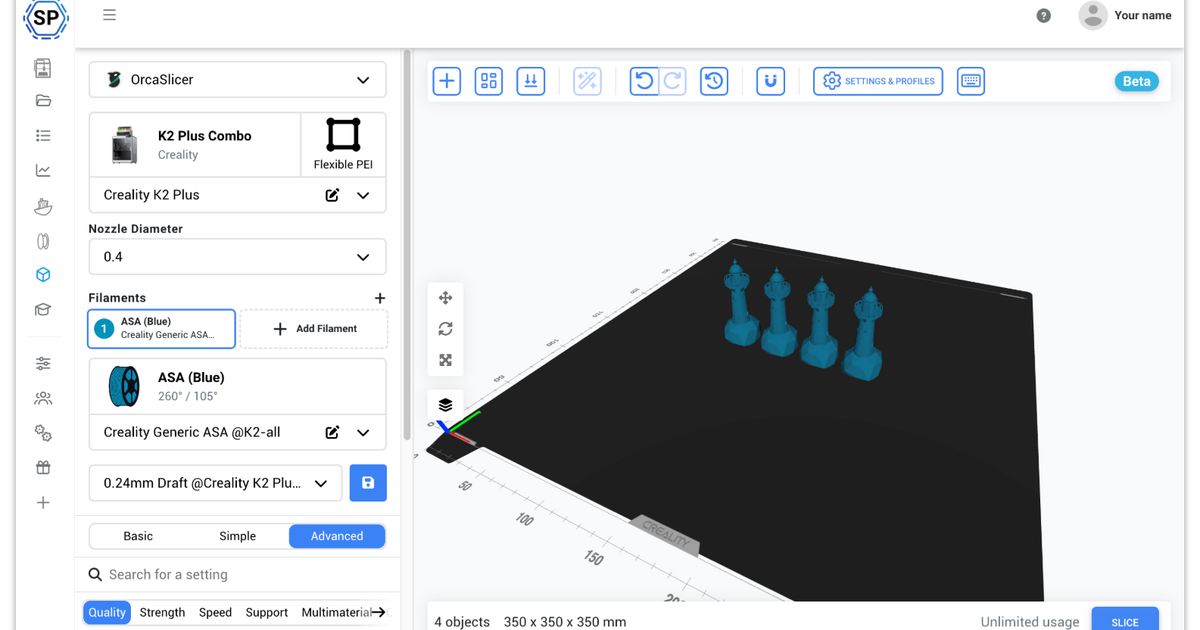
Den store forskel, du vil opleve, er brugerfladen: vi har lavet vores egen webbaserede slicergrænseflade til ikke kun PrusaSlicer, men også OrcaSlicer, BambuStudio, ElegooSlicer, CrealityPrint, Cura & Kiri:Moto.