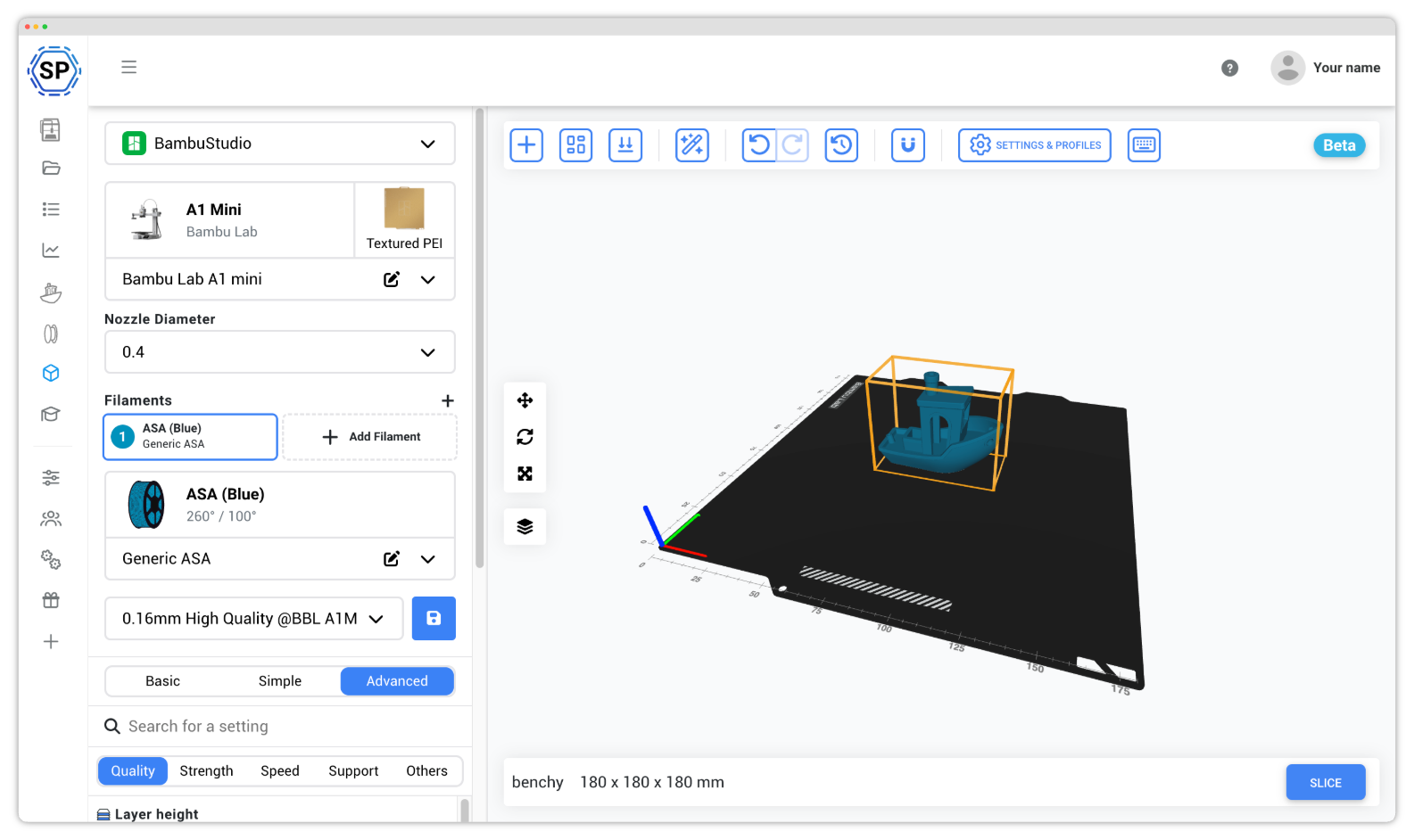
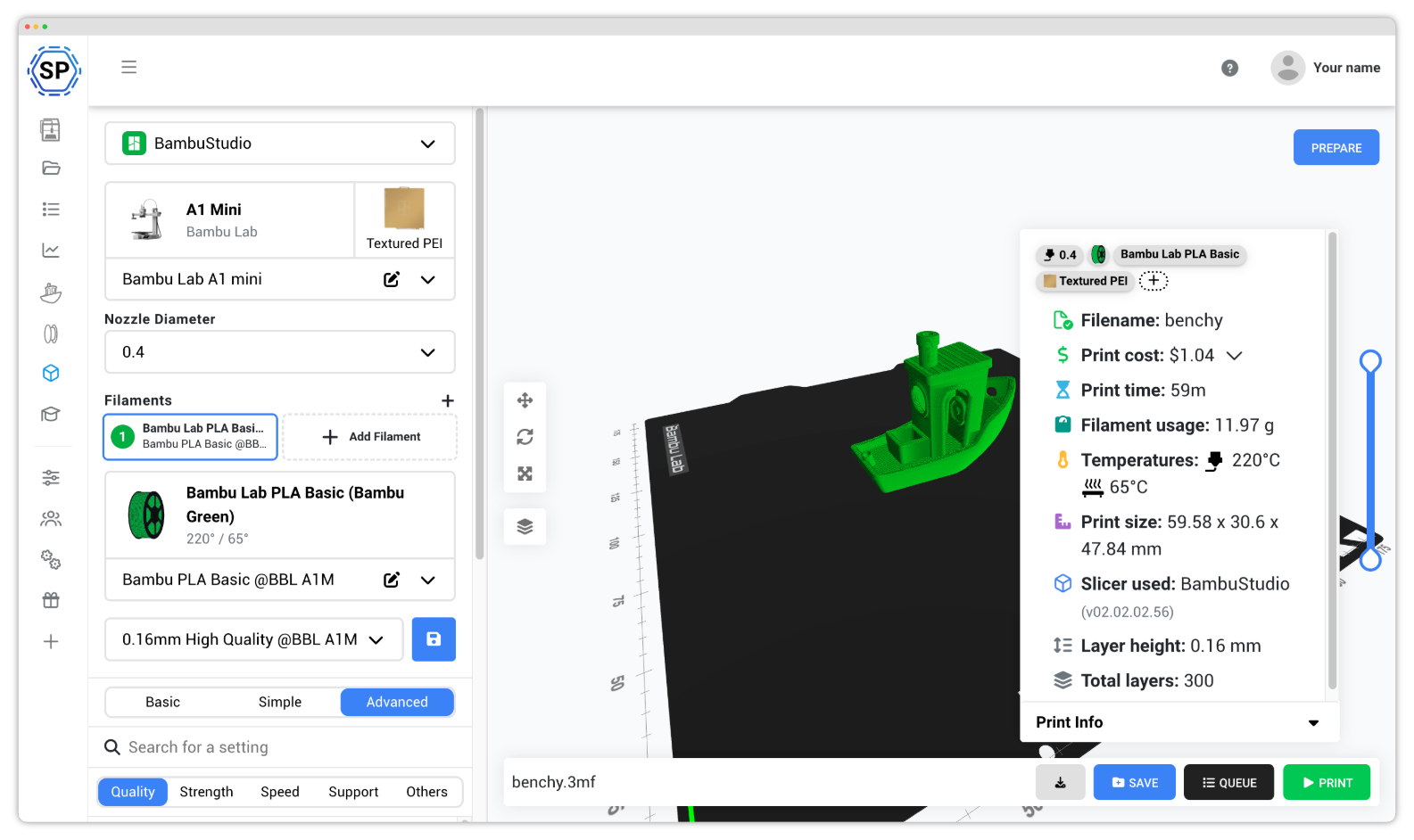
Hvorfor bruge BambuStudio online?
BambuStudio er den officielle slicing-software fra Bambu Lab, designet specifikt til at frigøre det fulde potentiale i Bambu Labs innovative 3D-printere. Som den officielle slicer giver den problemfri integration med Bambu Lab-printere, inklusive native understøttelse af AMS (Automatic Material System), lidar-baseret inspektion af første lag og andre banebrydende funktioner.
Hvis du ejer en Bambu Lab-printer, er BambuStudio bygget specifikt til dig, og sikrer optimal printkvalitet, perfekte multifarve-workflows og adgang til de nyeste printerfunktioner, så snart de udgives.
Med SimplyPrints cloudløsning kan du nu bruge BambuStudio hvor som helst og på enhver enhed, uden at installere noget. Slice på tablets, smartphones og Chromebooks med den samme officielle Bambu Lab-oplevelse!
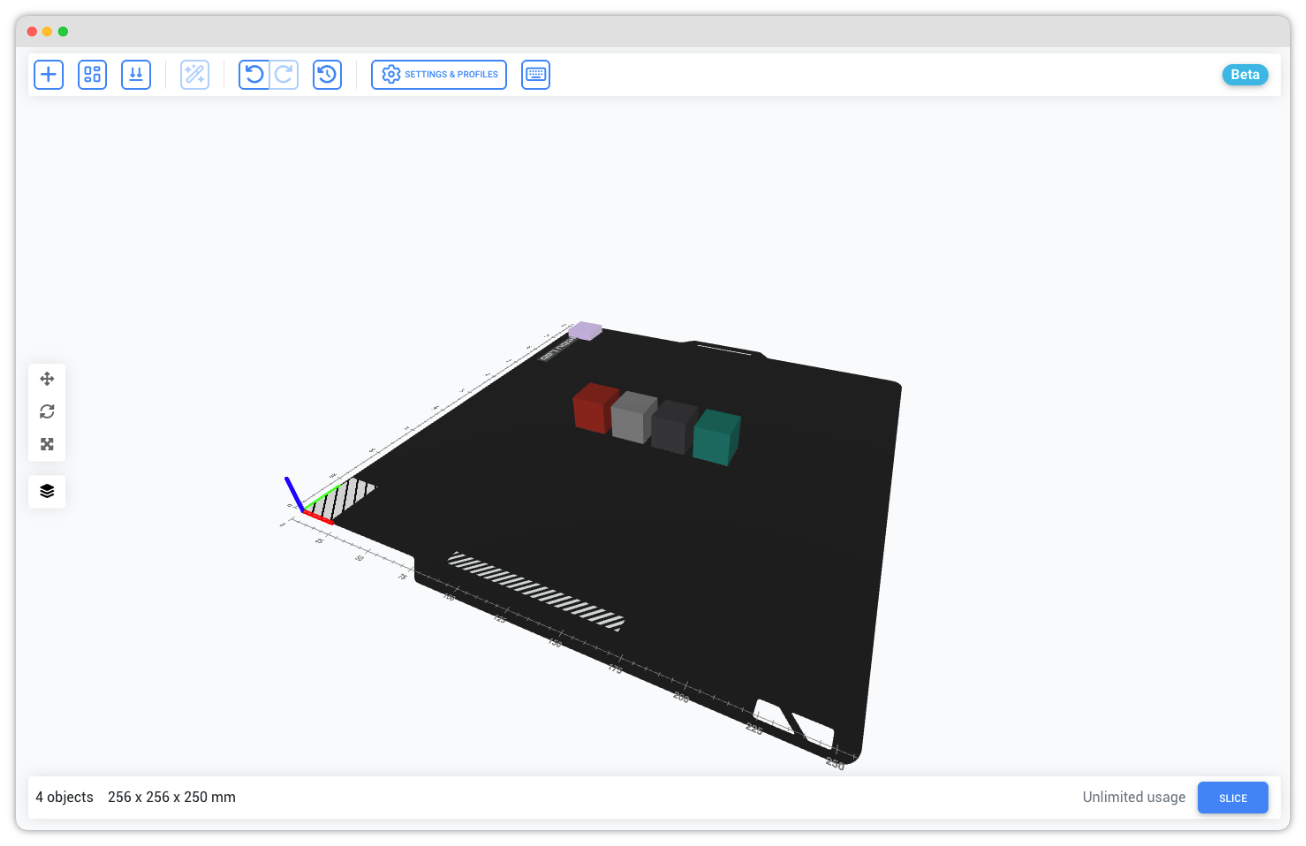
Fuld understøttelse af flerfarve-AMS til flotte prints
BambuStudio blev designet fra bunden til at understøtte Bambu Labs Automatic Material System (AMS) til problemfri multifarve- og multimaterialeprint. Vores cloud-implementering bevarer al denne funktionalitet.
Konfigurer flere filamenter, tildel farver til forskellige dele af din model, og generer flotte print i flere farver, alt sammen fra din browser. Den officielle BambuStudio-motor sikrer perfekt kompatibilitet med din AMS-opsætning.
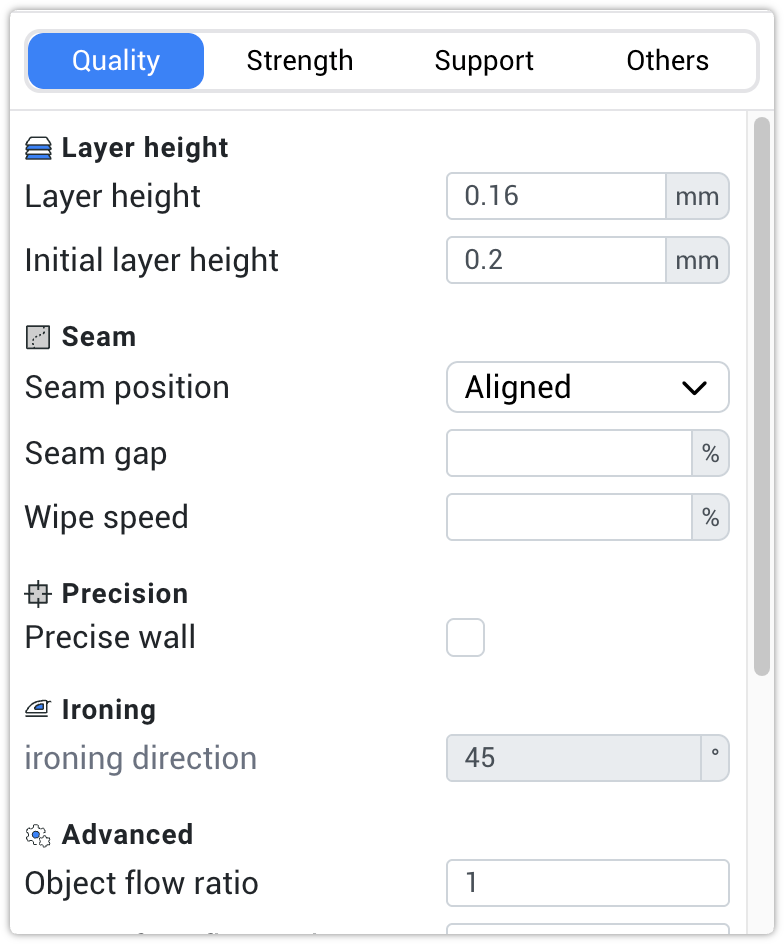
Fuld BambuStudio-oplevelse, alle indstillinger og profiler tilgængelige
Vi bruger den uændrede officielle BambuStudio-engine, så du får 100 % af profilerne og 100 % af indstillingerne fra desktopversionen. Alle Bambu Lab-printerprofiler, officielle filamentforudindstillinger og printindstillinger er tilgængelige.
Alle BambuStudios funktioner er lige ved hånden i skyen, så du får de samme kvalitetsresultater, som du forventer fra den officielle desktop-software.
Mere end bare slicing: print, sæt i kø og gem hvor som helst
SimplyPrint giver dig mulighed for at slice og printe hvor som helst. Platformen tilbyder ikke kun slicing, men et 3D-printøkosystem.
Du kan sætte filer i kø, administrere flere printere, gemme filer i skyen, holde styr på din filamentbeholdning og meget mere. Slice med BambuStudio og send straks til dine Bambu Lab-printere, alt fra én samlet platform.
Bemærk: At sende print til en Bambu Lab-printer kræver SimplyPrint Bambu Lab Client, en lille bridge-app, der kører på en Raspberry Pi, mini-PC eller anden altid aktiv enhed på dit netværk. Bambu Lab tillader ikke tredjepartssoftware at køre på selve printeren, så en bridge er den eneste måde at forbinde en Bambu-printer med SimplyPrint på. Der findes ingen direkte forbindelse mellem browser og printer eller via kontolinkning.
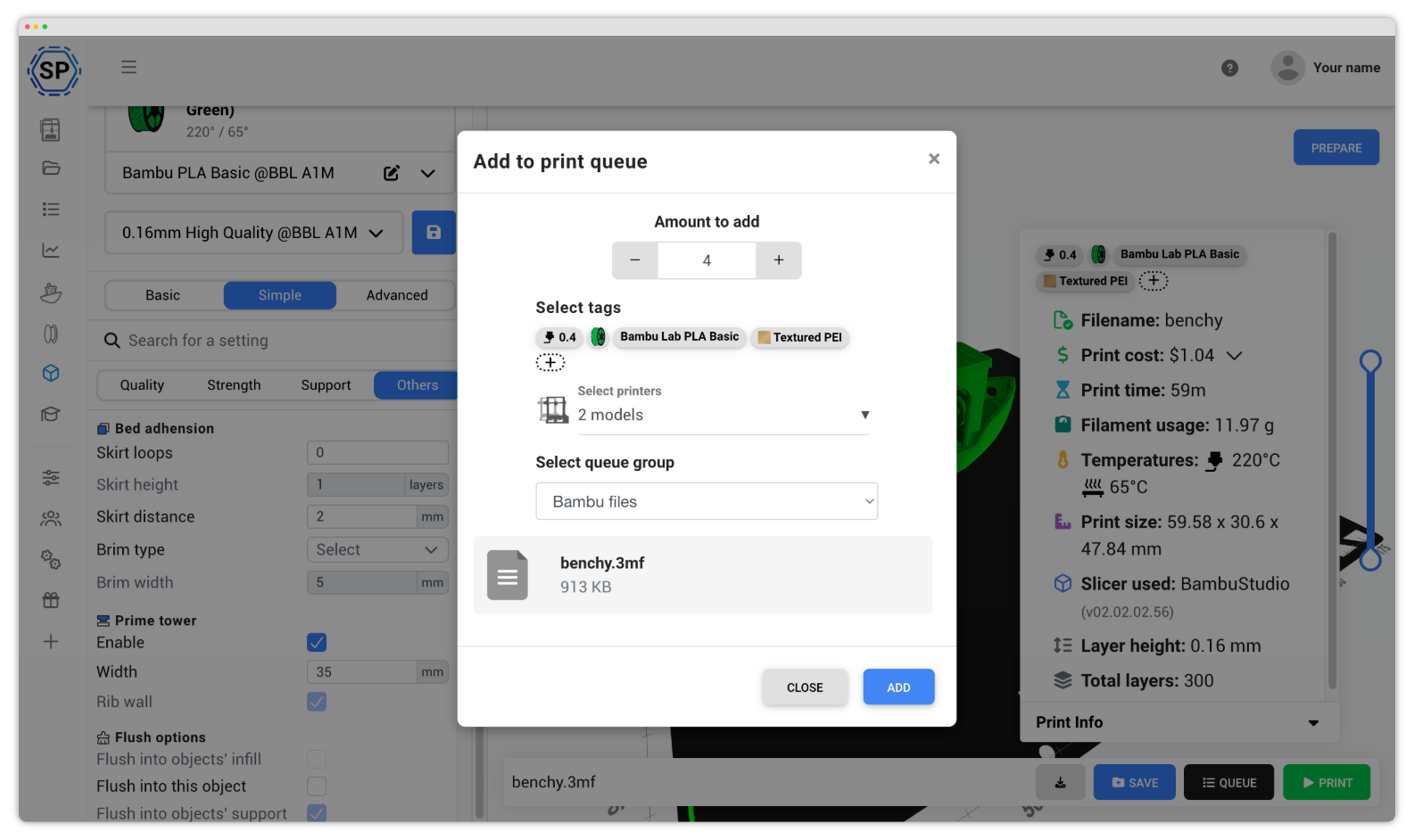
Brug BambuStudio på en Chromebook, tablet eller telefon, ingen installation nødvendig
Desktopversionen af BambuStudio kører ikke på ChromeOS, iPadOS, Android eller iOS, men vores cloudversion af BambuStudio gør. Alle Bambu Lab-profiler (X1-Carbon, X1E, P1S, P1P, A1, A1 mini, H2-serien), alle filamentforudindstillinger og alle AMS-understøttede flerfarveindstillinger er tilgængelige i enhver moderne browser på enhver enhed.
Hvorfor det er vigtigt for ejere af Bambu Lab-printere:
- Chromebooks (skoler og klasseværelser): Chromebooks i klasseværelset kan ikke installere BambuStudio til desktop, men de kan køre vores cloudversion af BambuStudio i Chrome. Perfekt til skolernes 3D-printlaboratorier med Bambu A1 mini- eller P1S-flåder.
- iPads og Android-tablets: design på sofaen, slice og send til din Bambu-printer uden at bruge en stationær computer. Hele BambuStudio-grænsefladen er touchvenlig og tilpasser sig mindre skærme.
- Telefoner (iPhone og Android): Bambu Handy lader dig overvåge print fra din telefon, men kan ikke slice. Med Cloud BambuStudio kan du slice på ny og sende igen, uanset hvor du er.
- Bærbare med lave specifikationer og ældre Macs: slicing sker på vores servere, ikke på din maskine. En 5 år gammel bærbar kan slice et komplekst AMS-print i flere farver på sekunder.
- Linux-brugere: Bambu tilbyder ikke en Linux-version af BambuStudio. Cloudversionen af BambuStudio kører i Firefox, Chrome eller en anden browser på enhver Linux-distribution, uden behov for AppImage.
Læs mere om vores slicer og vores andre understøttede slicermotorer
BambuStudio er blot en af de kraftfulde slicing-motorer, vi understøtter. Udforsk vores komplette cloudbaserede slicerløsning, og oplev vores andre motorer: PrusaSlicer, OrcaSlicer, ElegooSlicer, CrealityPrint, Cura & Kiri:Moto.
Online cloudbaseret slicer
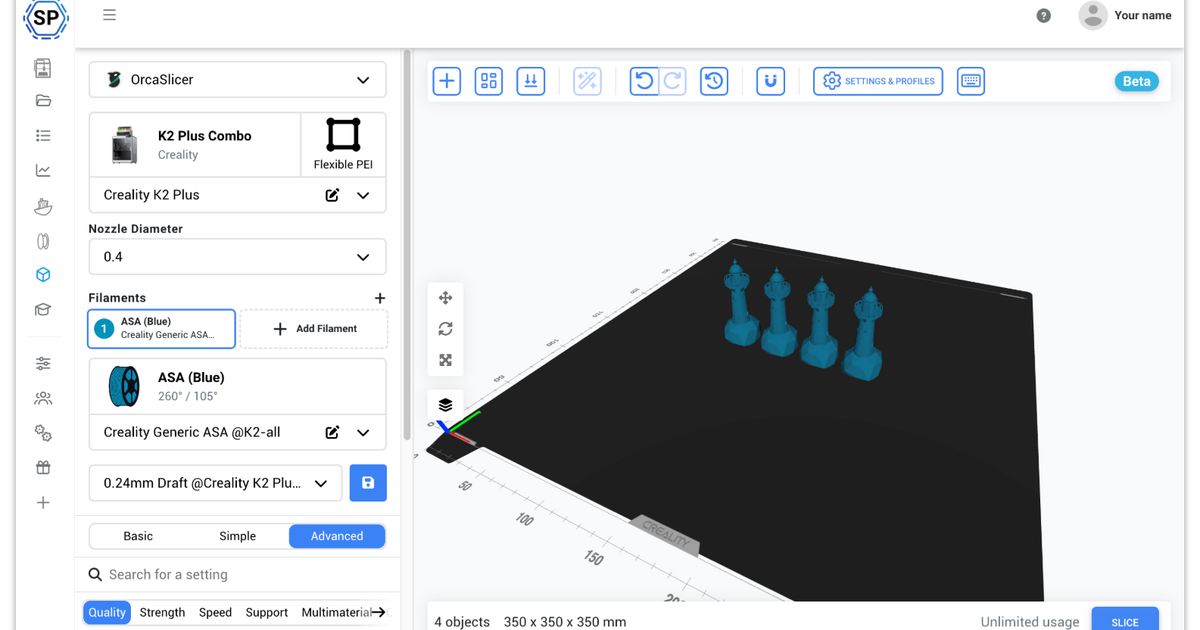
Brug PrusaSlicer, OrcaSlicer, BambuStudio, ElegooSlicer, CrealityPrint, Cura & Kiri:Moto online i skyen, på enhver enhed, hvor som helst!
Se oversigt over Online cloudbaseret slicerSe også

PrusaSlicer Online
Brug PrusaSlicer online i skyen, på enhver enhed, hvor som helst!

OrcaSlicer Online
Brug OrcaSlicer online i skyen, på enhver enhed, hvor som helst!

ElegooSlicer Online
Brug ElegooSlicer online i skyen, på enhver enhed, hvor som helst!

CrealityPrint Online
Brug CrealityPrint online i skyen, på enhver enhed, hvor som helst!

Cura Online
Brug Cura online i skyen, på enhver enhed, hvor som helst!
Ofte stillede spørgsmål
Er dette virkelig BambuStudio eller en modificeret version?
Den væsentligste forskel, du oplever, er interfacet: Vi har lavet vores eget webbaserede slicerinterface, ikke kun til BambuStudio, men også til PrusaSlicer, OrcaSlicer, ElegooSlicer, CrealityPrint, Cura & Kiri:Moto.
Skal jeg installere noget for at forbinde min Bambu Lab-printer og printe via SimplyPrint?
Dette er den eneste måde at forbinde en Bambu Lab-printer til SimplyPrint på. Der er ingen direkte forbindelse fra browser til printer, ingen integration med en Bambu-konto og ingen installation på selve printeren. Bambu Lab tillader ikke tredjepartssoftware at køre på printeren, så der kræves en broenhed, og sådan har det altid været.
Brokravet gælder både cloudtilstand og kun-LAN-tilstand, tilstanden ændrer kun, hvordan broen kommunikerer med printeren. På aktuel Bambu-firmware kræves også kun-LAN-tilstand med udviklertilstand aktiveret for fuld kontrol (start print, indstil temperaturer, send bevægelser); cloudtilstand på aktuel firmware er skrivebeskyttet i SimplyPrint.
Sliceren og printerforbindelsen er adskilte: du kan bruge BambuStudio Online uden nogensinde at tilføje en printer (slice og downloade filer eller selv sende dem), og du kan forbinde en printer via bridge uden at bruge vores slicer.