Turn a wall of spools into a scannable inventory
Generating labels and scanning them is how a real inventory stays usable. Print a QR-code or barcode label for each spool, stick it on, and from then on you grab a spool, scan the label, and SimplyPrint shows you what it is and how much is left - no hunting through a list, no second-guessing which roll is which.
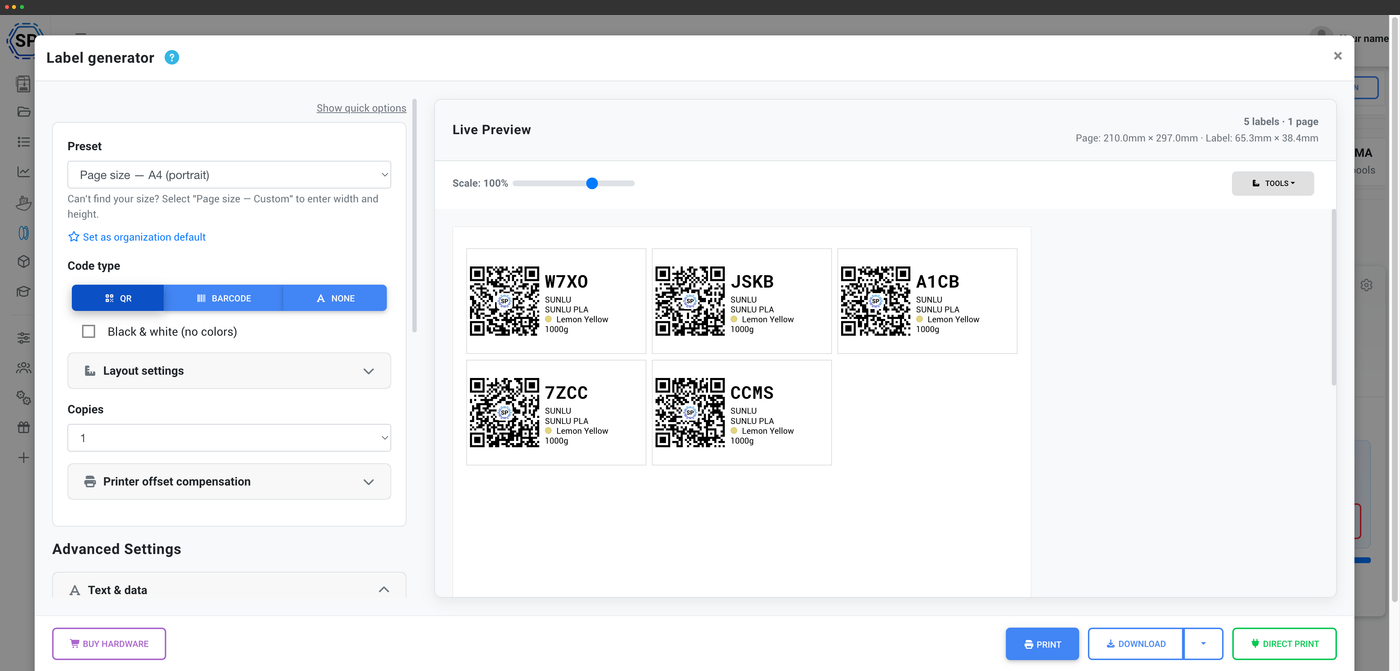
Generate QR-code and barcode labels for every spool
Configurable layouts for A4, A5, Letter or custom pages
The label generator builds a label for any spool in your inventory, encoded as a QR code or a barcode. Lay them out for A4, A5, Letter or a custom page size, fit as many per sheet as you need, and the design carries the spool's key details so a label is readable at a glance as well as by a scanner.
Labels coming off the printer
From a row of spools to a row of scannable labels
Send a batch to your thermal printer and watch the labels roll out, one per spool, ready to peel and stick. Each one carries a QR code or barcode that links straight back to the live spool record in SimplyPrint.
Every way to print a label
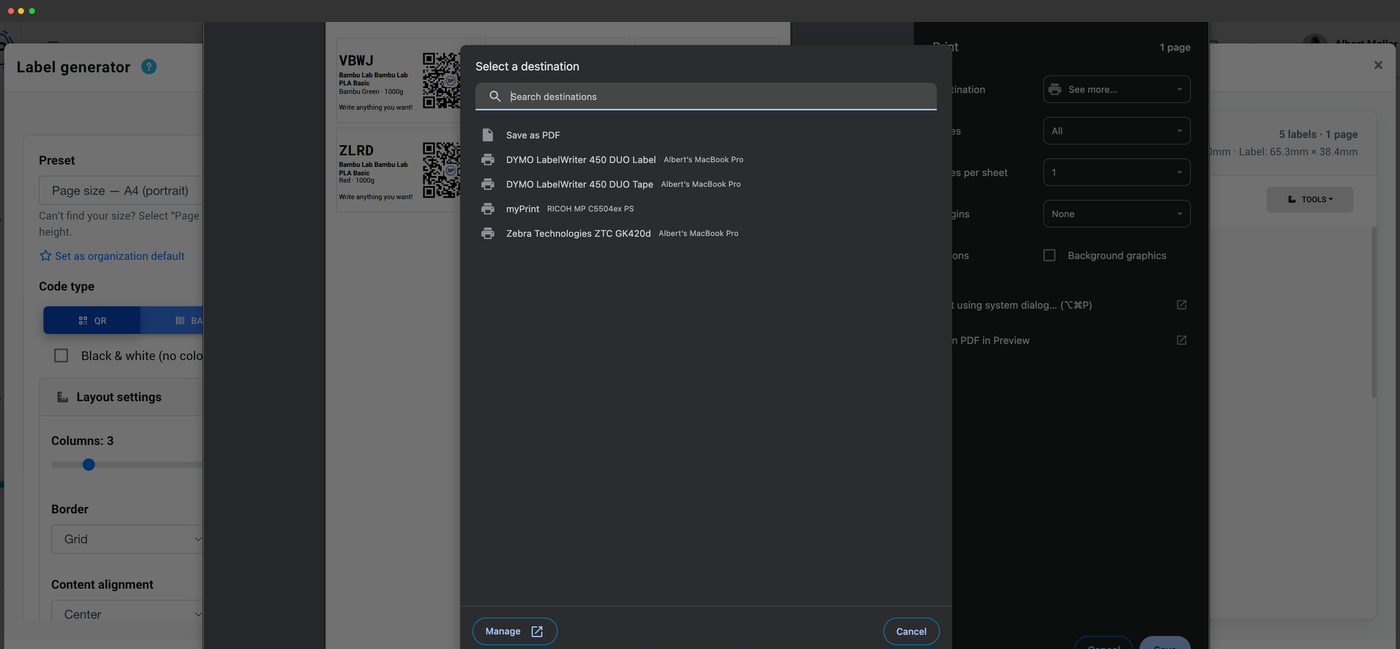
Print labels however suits your setup. Download a print-ready file, run them through a browser on a normal printer, or send them straight to a DYMO or Zebra thermal printer from your browser. A printer-offset calibration lets you nudge the print position so labels land dead-center on your specific stock, whatever printer you use.
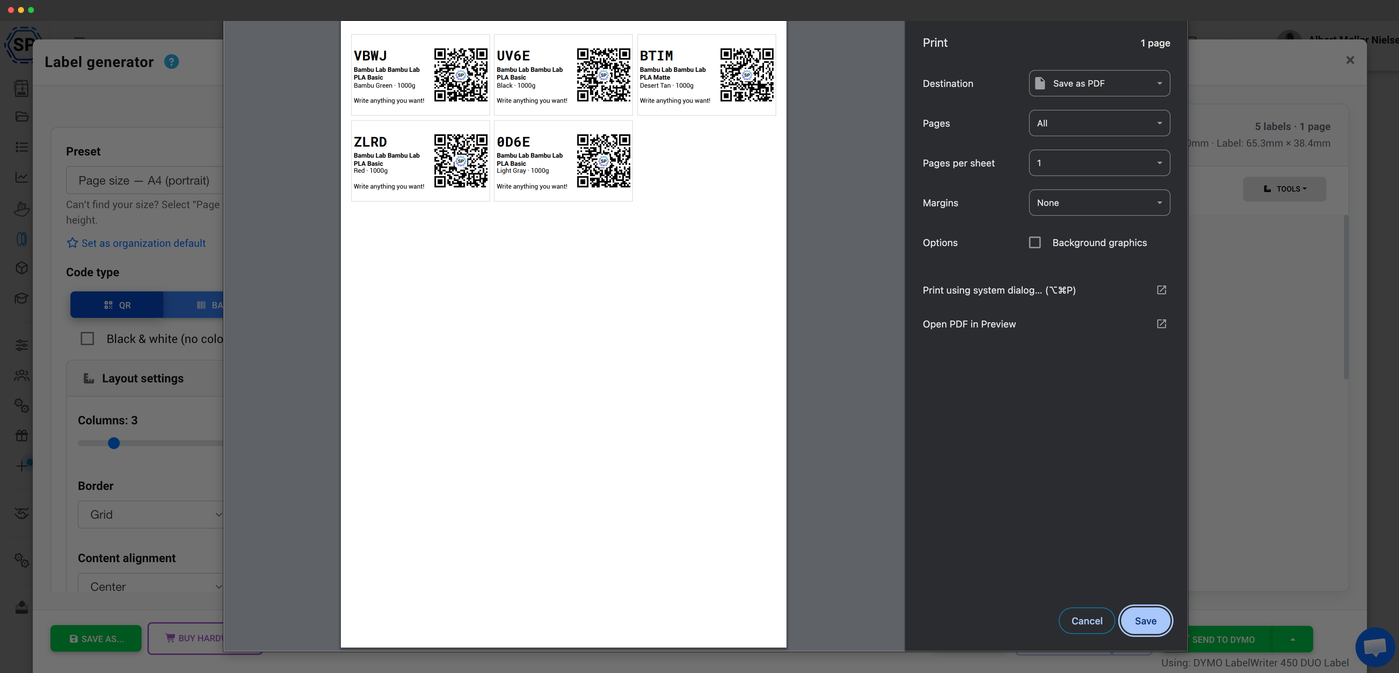
Export a ready-to-print PDF or PNG for paper label sheets, or download a ZPL or DYMO template file to drop straight into your printer's own software.
Hit print and use your browser's print dialog to send the sheet to any normal office printer. No special hardware needed to get started.
Send labels straight to a DYMO label printer through the DYMO Connect local client - your browser talks to the client, the client prints. One click, no PDF step.
Send labels straight to a Zebra thermal printer through Zebra Browser Print - the browser hands the label to the local client, which prints it. Built for high-volume farms.
Scan a label to pull up the matching spool instantly
Once a spool is labeled, finding it is a scan away. Use your phone camera, a webcam, or a USB barcode scanner (the keyboard-emulation kind) and SimplyPrint jumps straight to that spool - its remaining weight, material, location and history. Perfect for grabbing the right roll off the shelf or checking what's left before you commit to a long print.
Scan a label, find the spool
Print a QR code or barcode for every spool, then scan it with your phone camera, a webcam, or a USB barcode scanner to pull up that filament in your inventory.
- Color
- Galaxy Black
- Location
- Shelf B · Bin 12
- Spool ID
- RX-7K2
What each label encodes
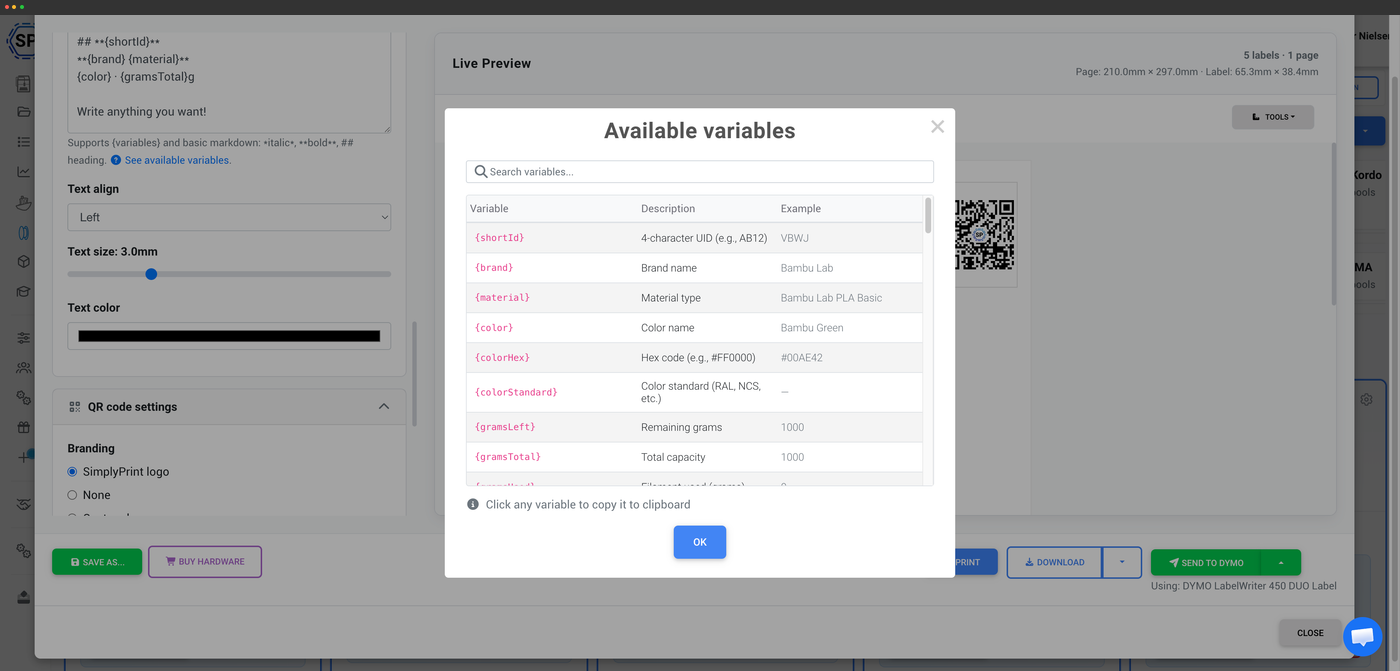
A label carries enough to identify the spool at a glance and link it back to its full record: brand, material, color, weight and the spool's ID. Scan it and SimplyPrint resolves that ID to the live spool, so the details on screen are always current even as the remaining weight changes.
Want tags your printer reads on its own? Try NFC
Labels are scanned by you; NFC tags are read by your printer and your phone with a tap. If you'd rather your printer recognize a spool the moment it's loaded - across Bambu Lab, Creality CFS, Prusa OpenPrintTag and more - the NFC side of the filament manager has you covered.
Explore NFC filament tagsPlan access: what's required for labels and scanning?
Scanning and QR-code customization unlock the label generator and lookup; direct thermal-printer support (Dymo and Zebra) is on the higher plans. The filament manager that sits behind it all is free on every SimplyPrint plan.
| Feature / Limit | Free | Basic | Pro | Print Farm | Enterprise | School | Cloud Slicer | Filament Manager |
|---|---|---|---|---|---|---|---|---|
|
Barcode & QR scanning
Scan labels with a phone, webcam or USB barcode scanner to pull up a spool.
|
||||||||
|
Label generator: QR customization
Generate and customize the QR-code and barcode labels for your spools.
|
||||||||
|
Label generator: thermal printer support
Print directly to thermal label printers like Dymo and Zebra.
|
Want to learn more about our plans?
View full pricing & feature comparisonFrequently asked questions
Can I print labels on a normal printer, or do I need a label printer?
Does it support Dymo and Zebra label printers?
What can I use to scan a label?
QR codes or barcodes - which should I use?
What information ends up on a label?
USB barcode & QR scanners
A USB scanner acts as a keyboard on any computer - just plug in and scan, no drivers and no software to install. Point it at a spool's QR code to pull up its record instantly.
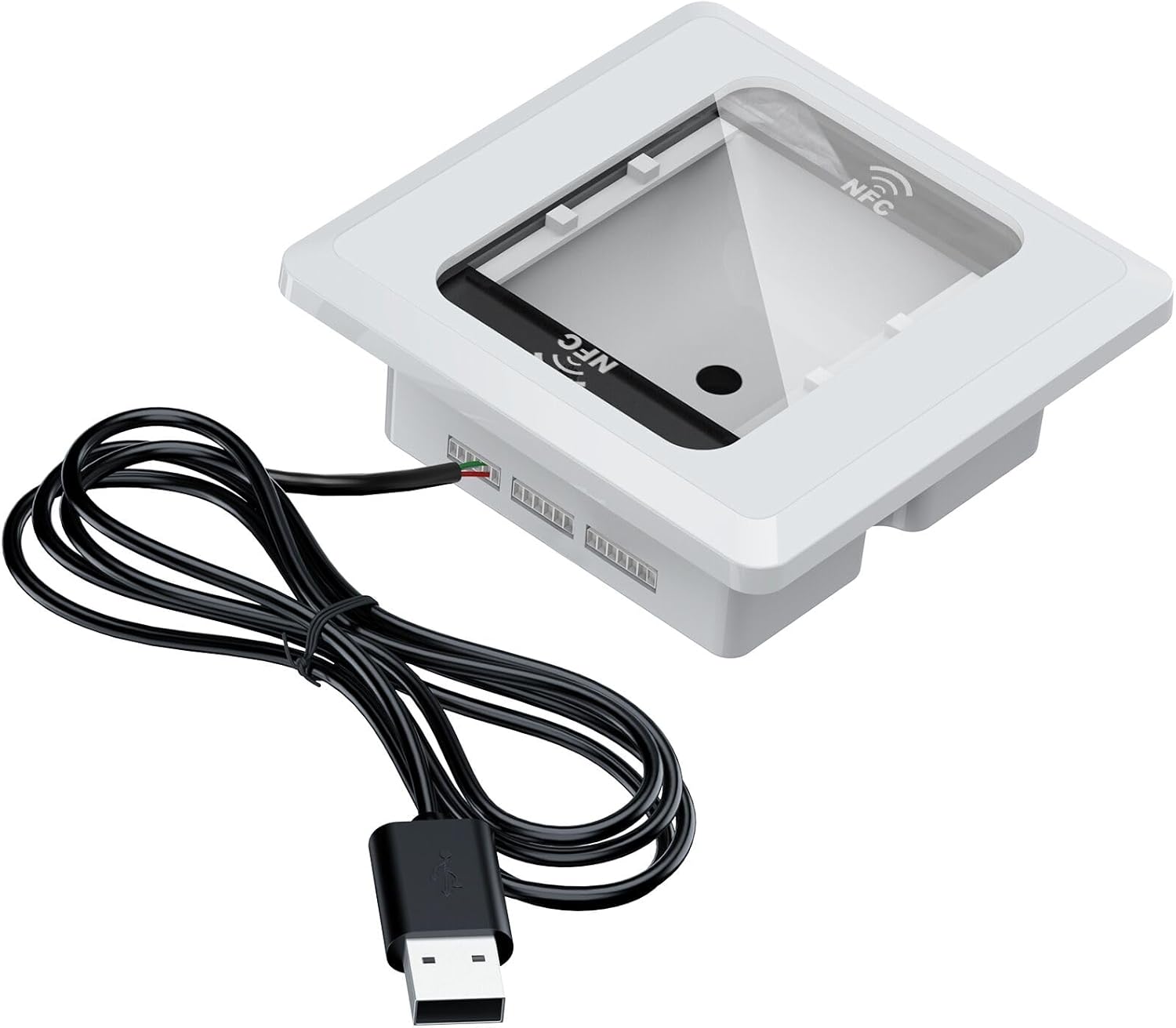
Symcode embedded scanner + NFC
Scans barcodes, QR and NFC serial IDs. Great for linking pre-flashed tags (Bambu, QiDi, Prusa).
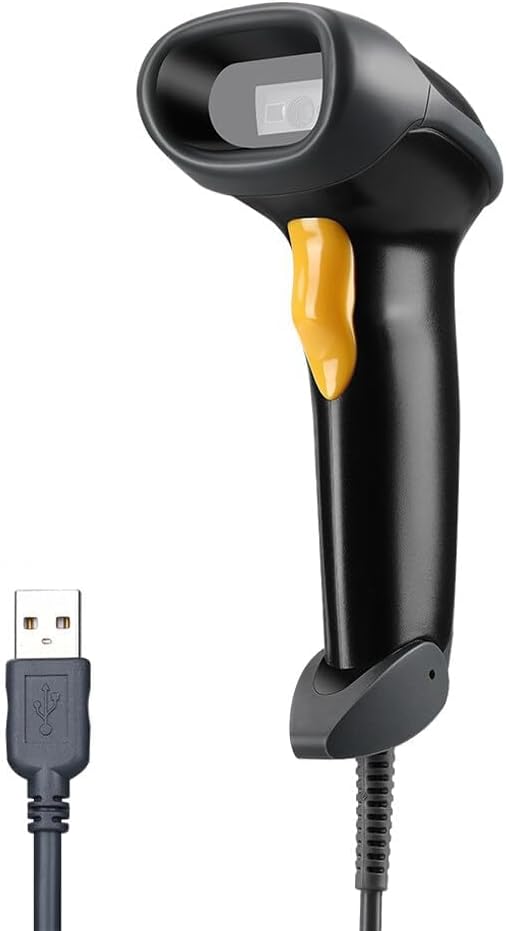
Eyoyo EYH2 handheld USB 2D scanner
Standard handheld 2D barcode and QR scanner. A budget-friendly everyday choice.
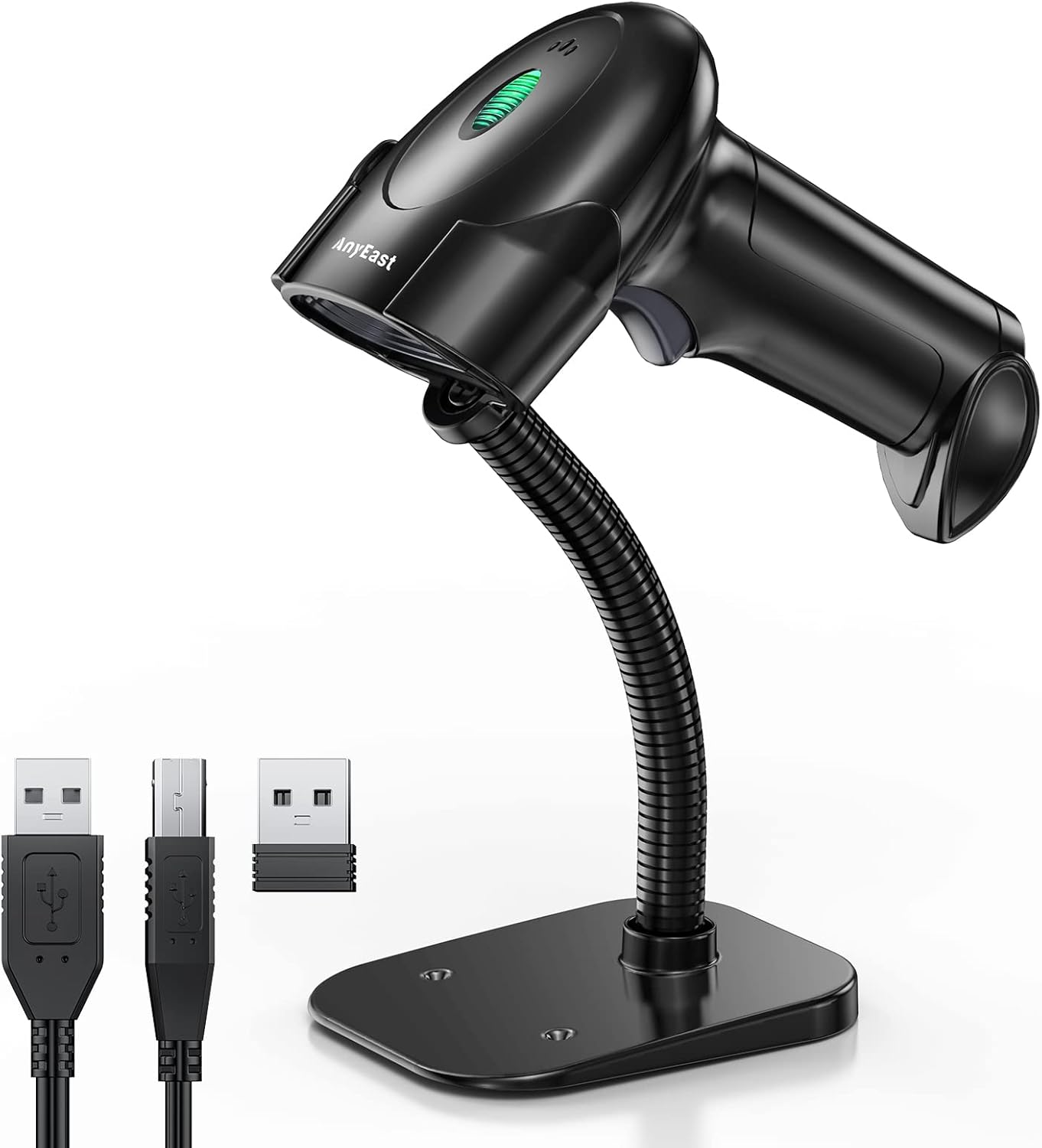
Anyeast scanner with stand
Comes with a stand for hands-free desktop scanning. Just present the code under it.
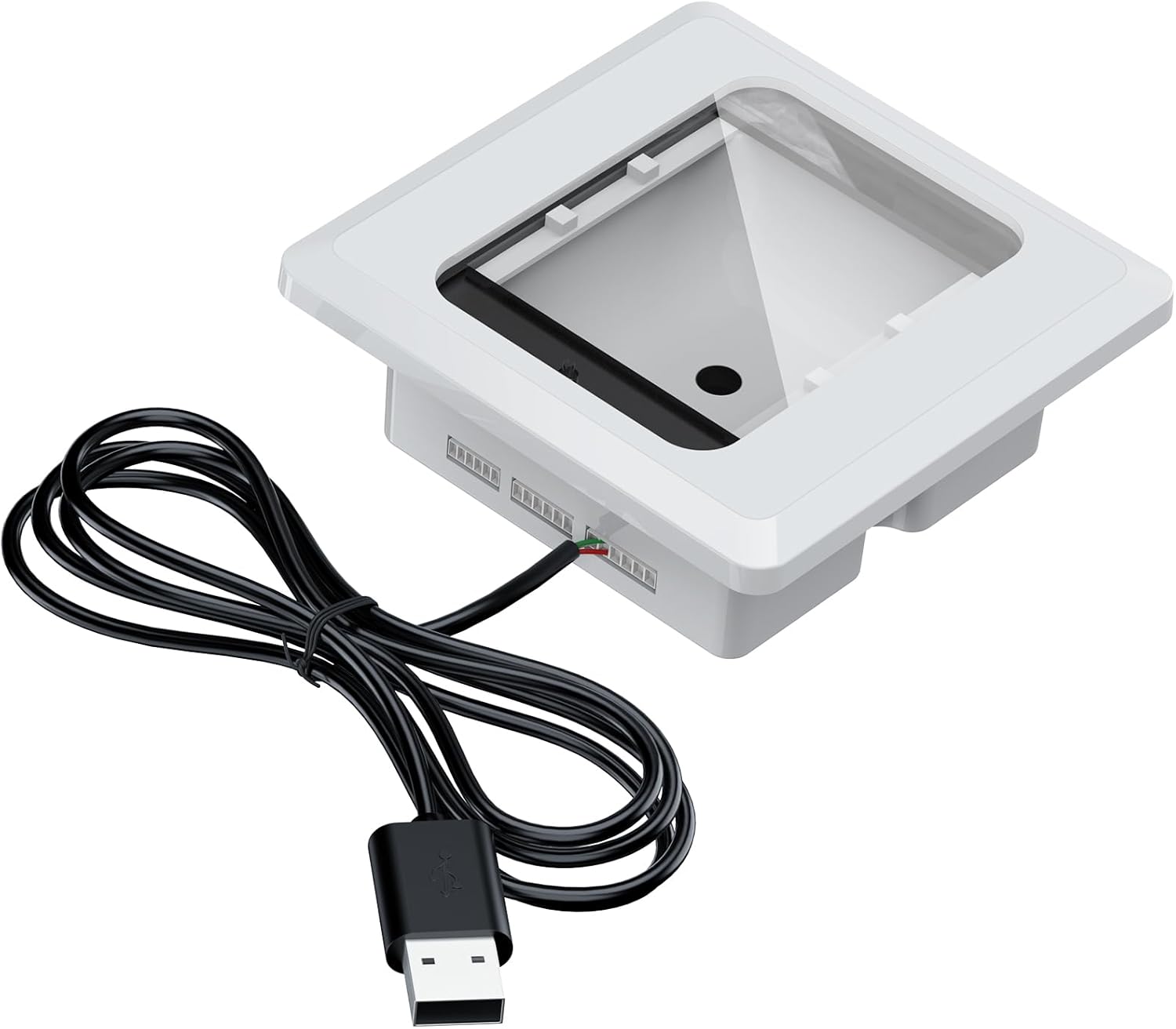
Alacrity embedded scanner
Easy to embed into a 3D-printed enclosure for a tidy fixed scanning station.
Every scanner here works on Windows, macOS and Linux out of the box (HID keyboard emulation).
Some links are affiliate links - SimplyPrint may earn a commission, at no cost to you.
Thermal label printers
Print spool, bin and shipping labels directly from SimplyPrint in your browser. We support DYMO and Zebra thermal printers via their desktop print clients - one click, no PDF step.
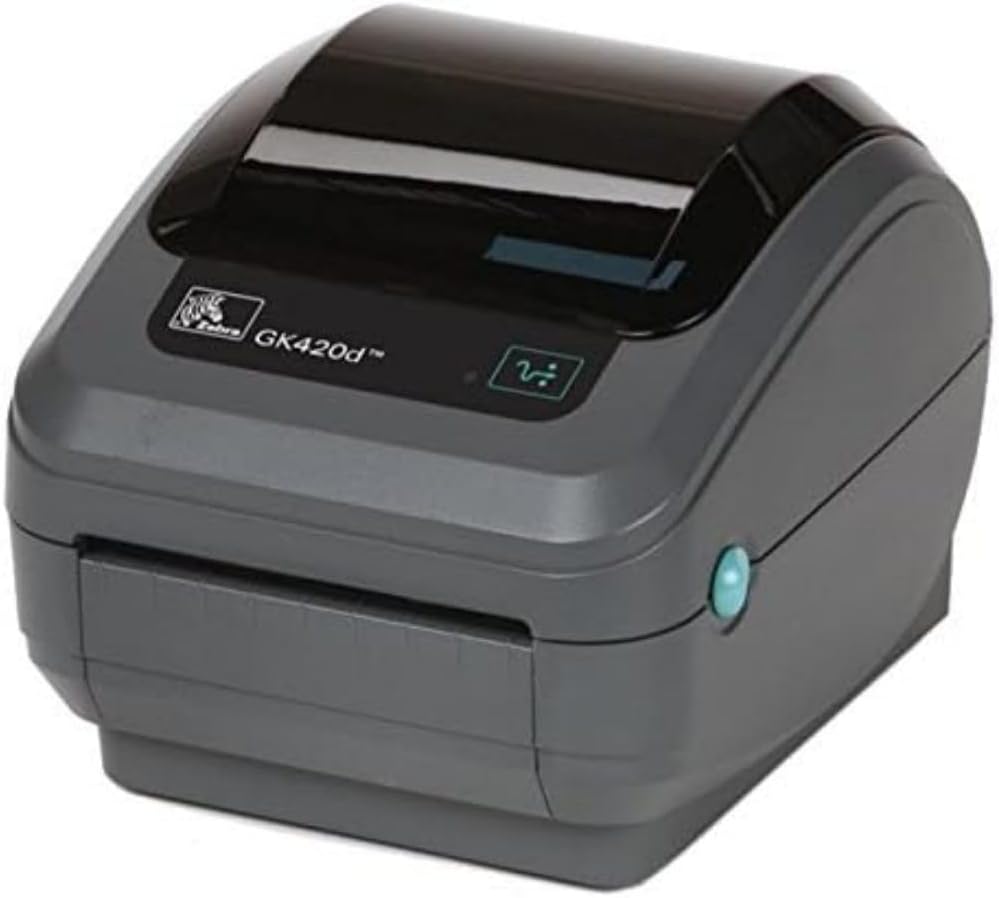
Zebra GK420D
A professional desktop thermal printer, well-tested with SimplyPrint.
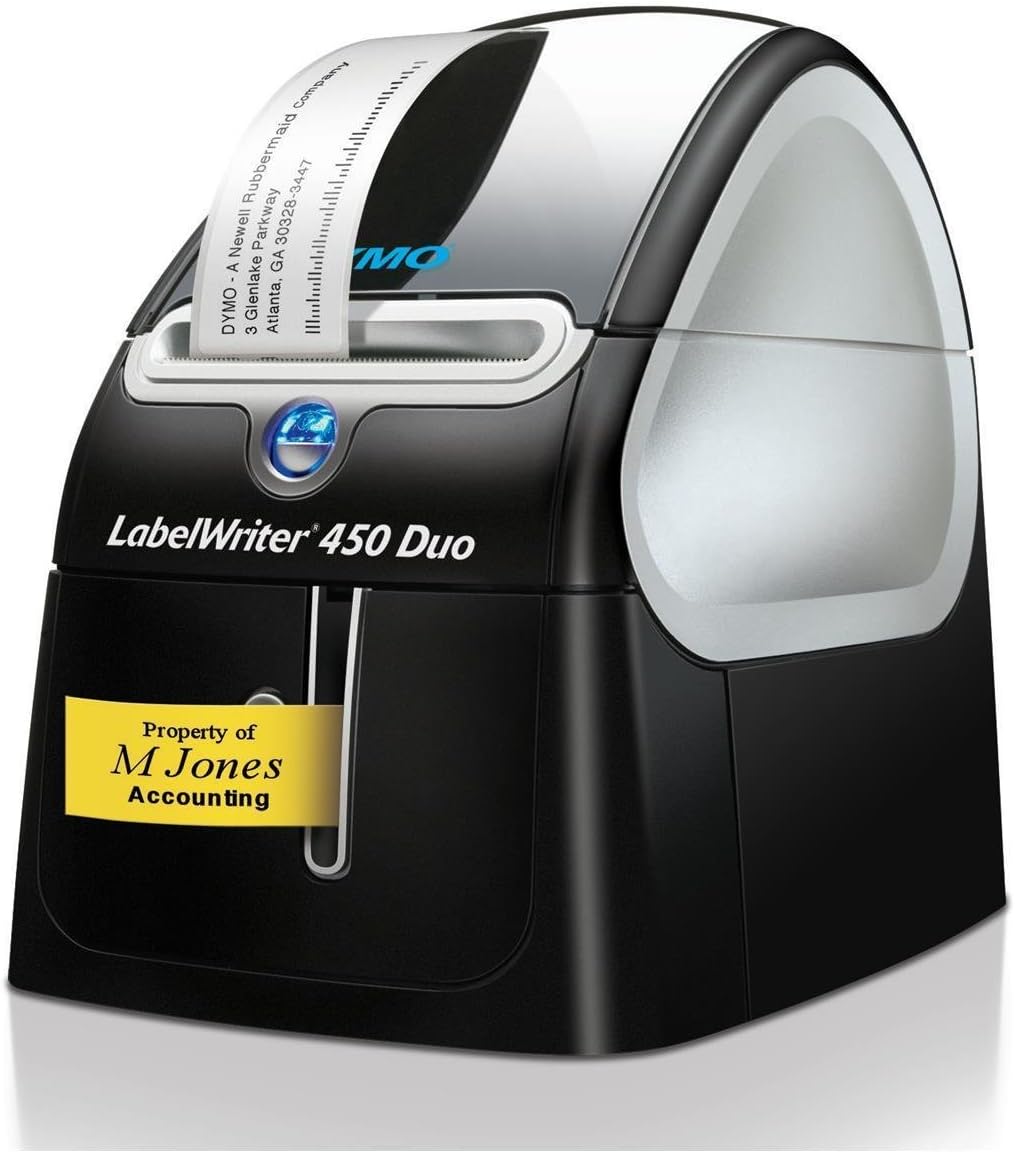
DYMO LabelWriter 450 Duo
Dual-purpose printer for labels and plastic tape. A reliable, well-tested DYMO option.
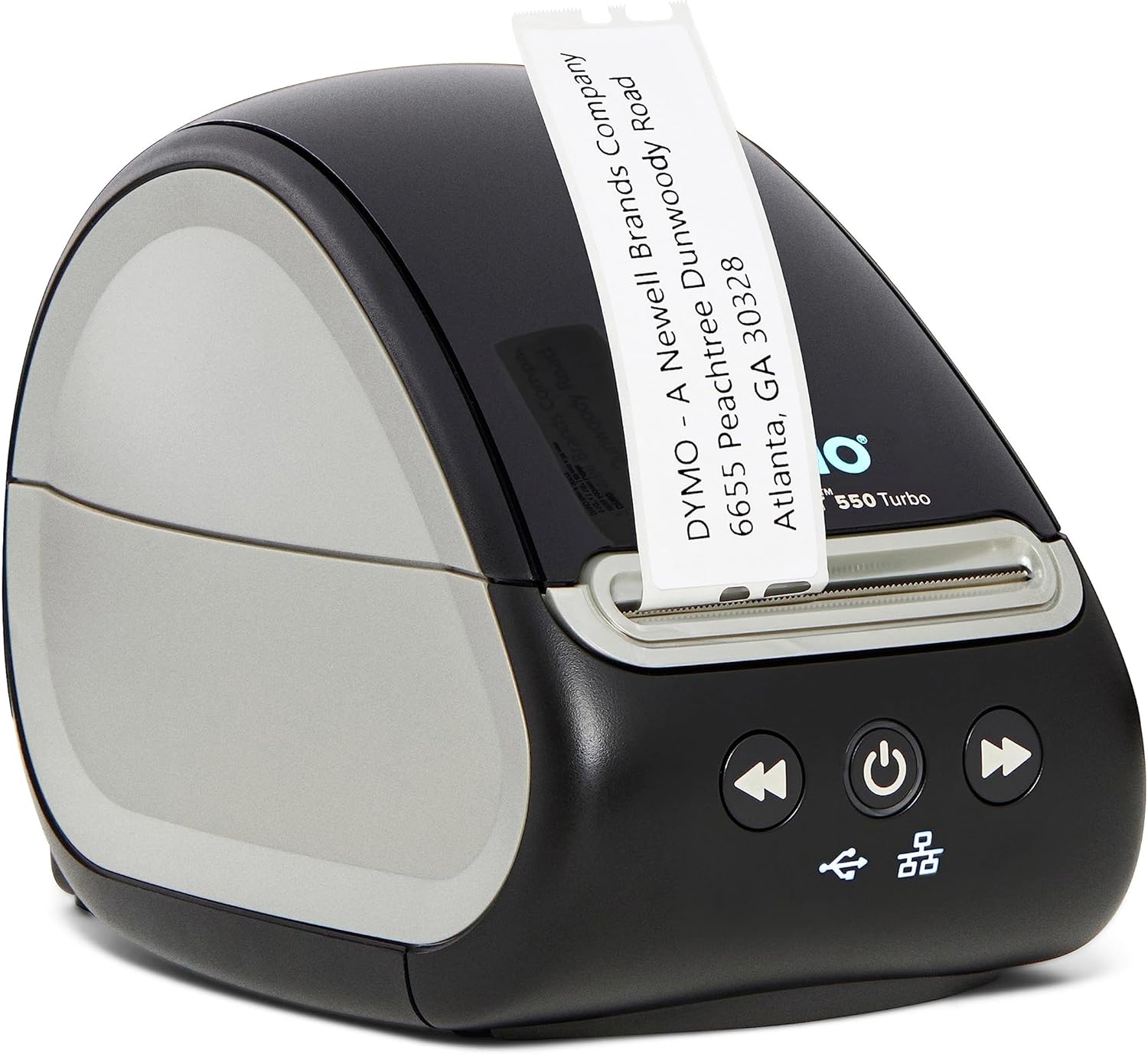
DYMO LabelWriter 550 Turbo
High-speed thermal label printer with USB connectivity.
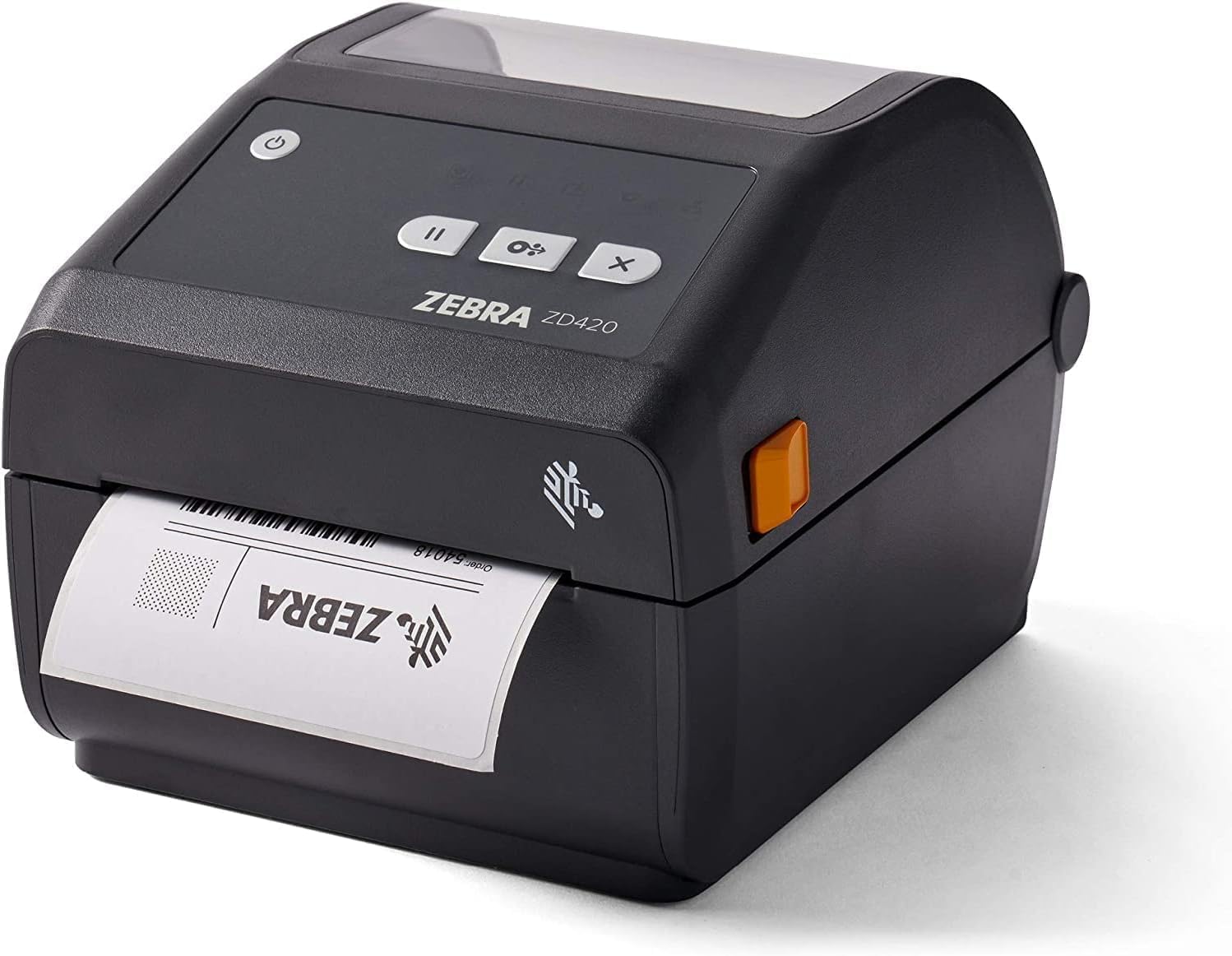
Zebra ZD420d
Versatile desktop printer with multiple connectivity options.
No label printer? You can still use the Label Generator and print on any regular paper printer.
Some links are affiliate links - SimplyPrint may earn a commission, at no cost to you.
Printer-specific label guides
Setting up a specific thermal printer? These guides walk through direct printing on each, end to end.