One account, many people, zero chaos
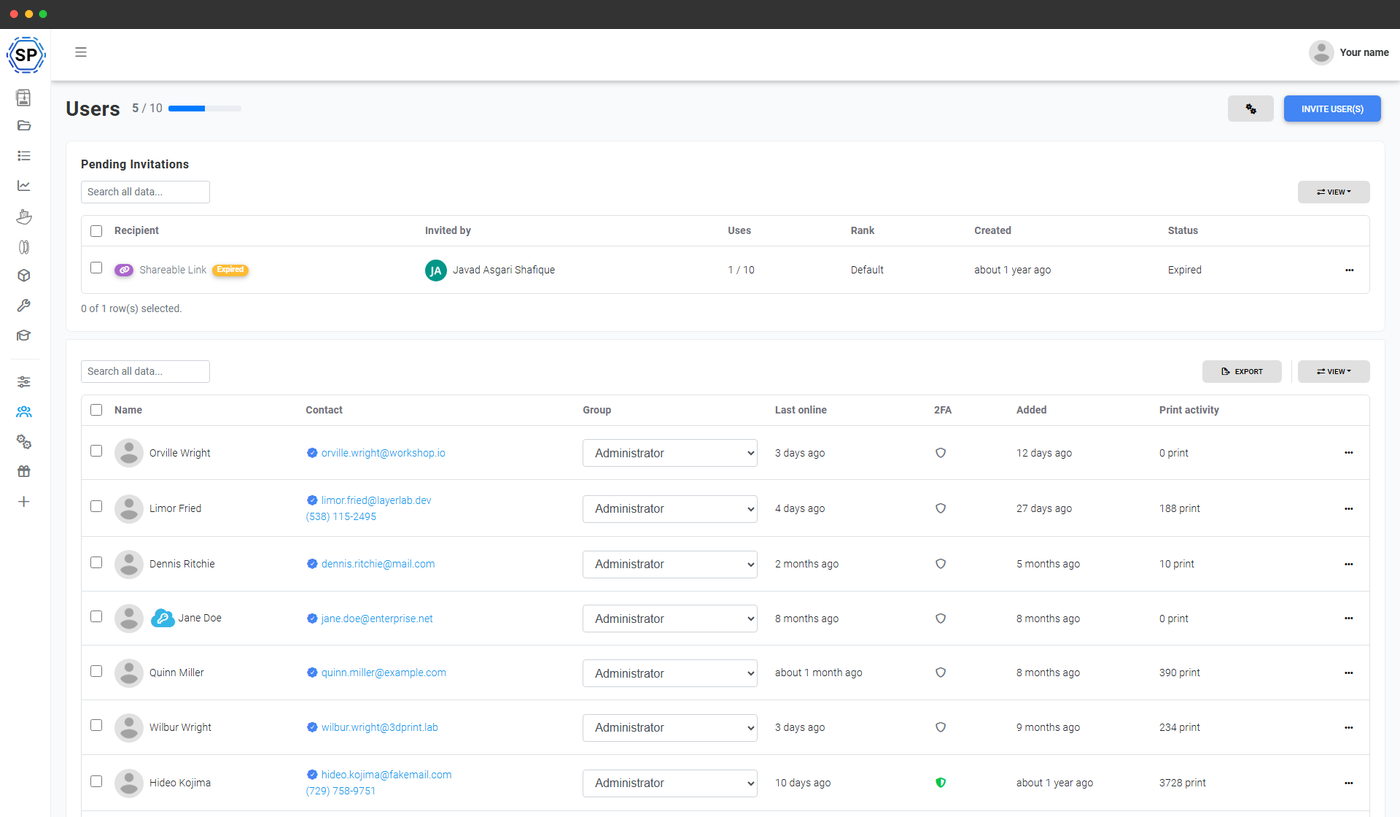
SimplyPrint is built from day one for shared printers. Whether you're 3 colleagues on a Print Farm plan or 500 students on the Education plan, every action is tied to a real user, every printer respects per-user access, and every page in the panel checks permissions before it does anything.
"This makes it easier to do 80% of the work"
"This makes it easier to do 80% of the work you do every day, which is sending print tasks."
Everyone gets their own account
Forget shared passwords. Every user logs in with their own account, and SimplyPrint tracks every print, queue submission, file upload and printer action against that user. Activity stays attributable - so you always know who started the print, who cancelled it and who changed the filament.
- Per-user login, history and notification preferences
- Real names on the printer cards, the queue and the print history
- Each user has their own files, slicer profiles and saved settings
- Optional 2-factor authentication for any user; account-wide required-2FA is an Enterprise feature

Invite by email, or share a single open link
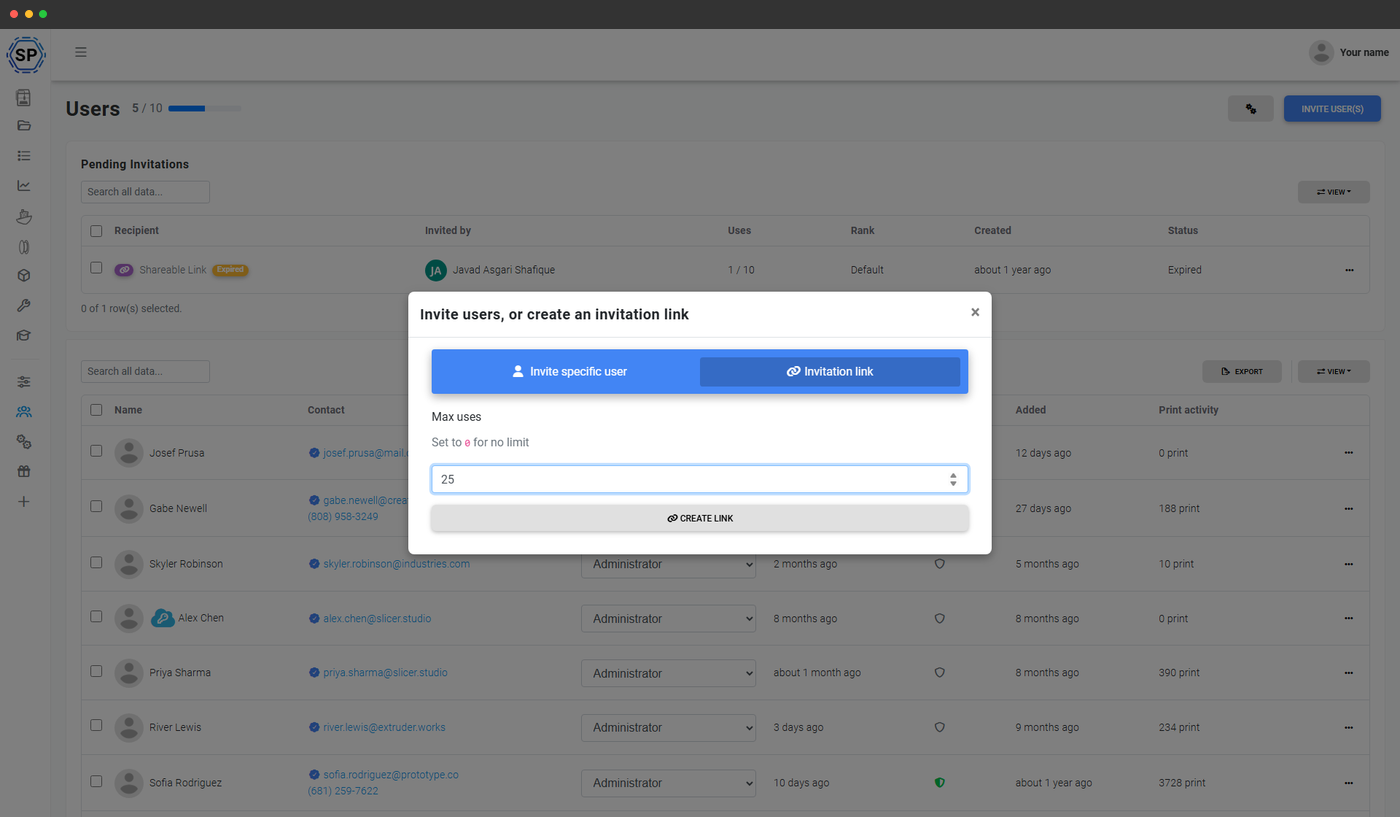
Two ways to bring new users in:
- Direct email invites - type or paste a list of email addresses, pick the rank, and we send a personal invite to each one. Track which invites are still pending and resend with one click.
- Open invite link - generate a shareable link that lets anyone join your account at a chosen rank. Perfect for posting in a Discord, a school portal or a printed handout.
User ranks: pre-built roles, or build your own
Group your users into ranks - reusable roles that bundle together a set of permissions. Start with the built-in ranks (admin, operator, viewer) and tweak them, or create your own from scratch for the exact split of responsibilities your team needs.
Behind the ranks sits a tree of 168 granular permissions covering printers, the queue, files, the slicer, filament, maintenance, webhooks, the API and more. Lock down the slicer for students, give your filament admin full inventory access without printer control, or build a read-only viewer for stakeholders - the choice is yours.
| Permission | Admin | Member | Viewer |
|---|---|---|---|
| Start prints | ✓ | ✓ | × |
| Cancel prints | ✓ | ✓ | × |
| Manage queue | ✓ | ✓ | × |
| Manage users | ✓ | × | × |
| Edit slicer profiles | ✓ | × | × |
| Send raw G-code | ✓ | × | × |
A simplified preview - the live matrix has 168 permissions across 8 categories.
See the full permission system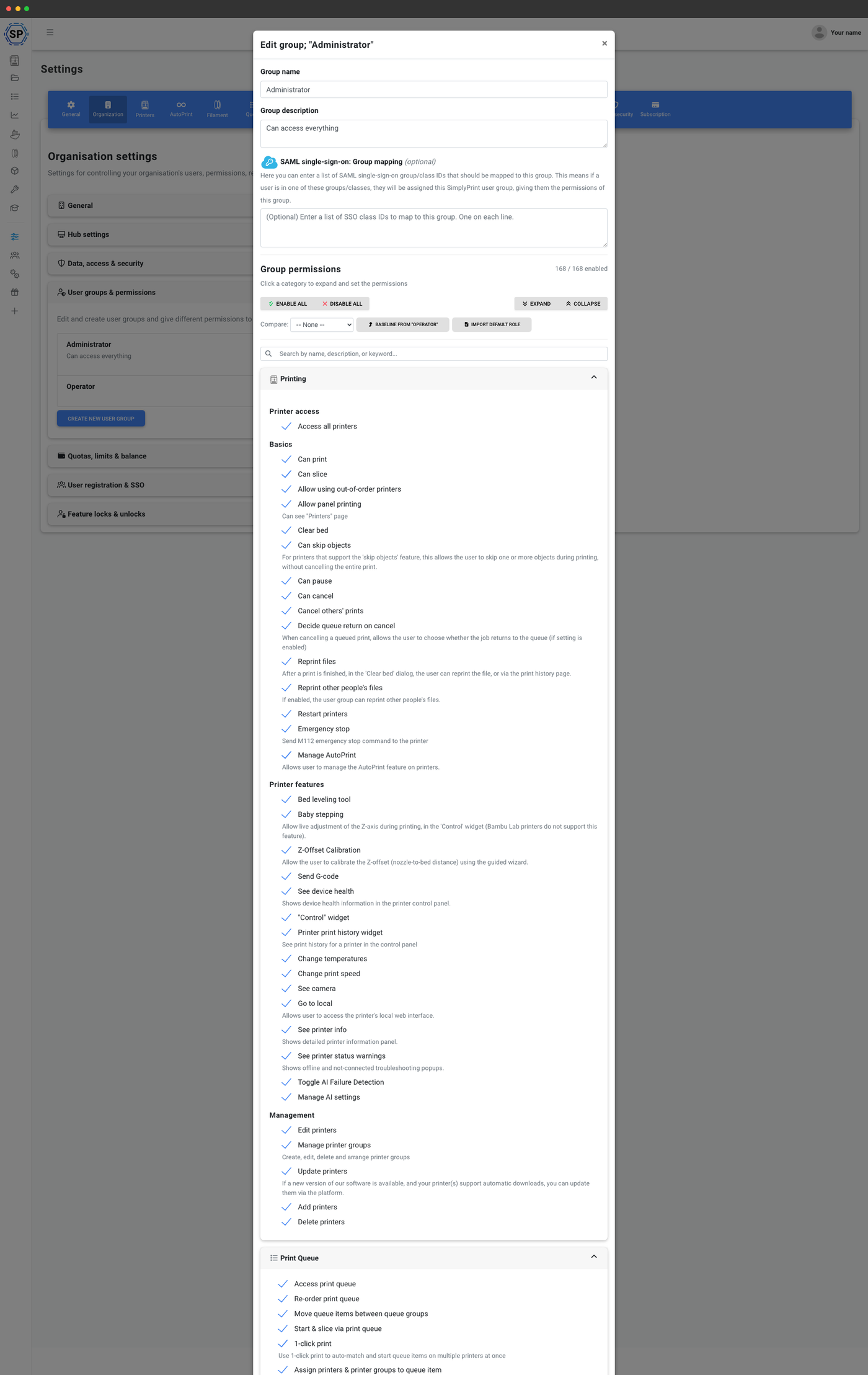
Built for schools and classrooms too
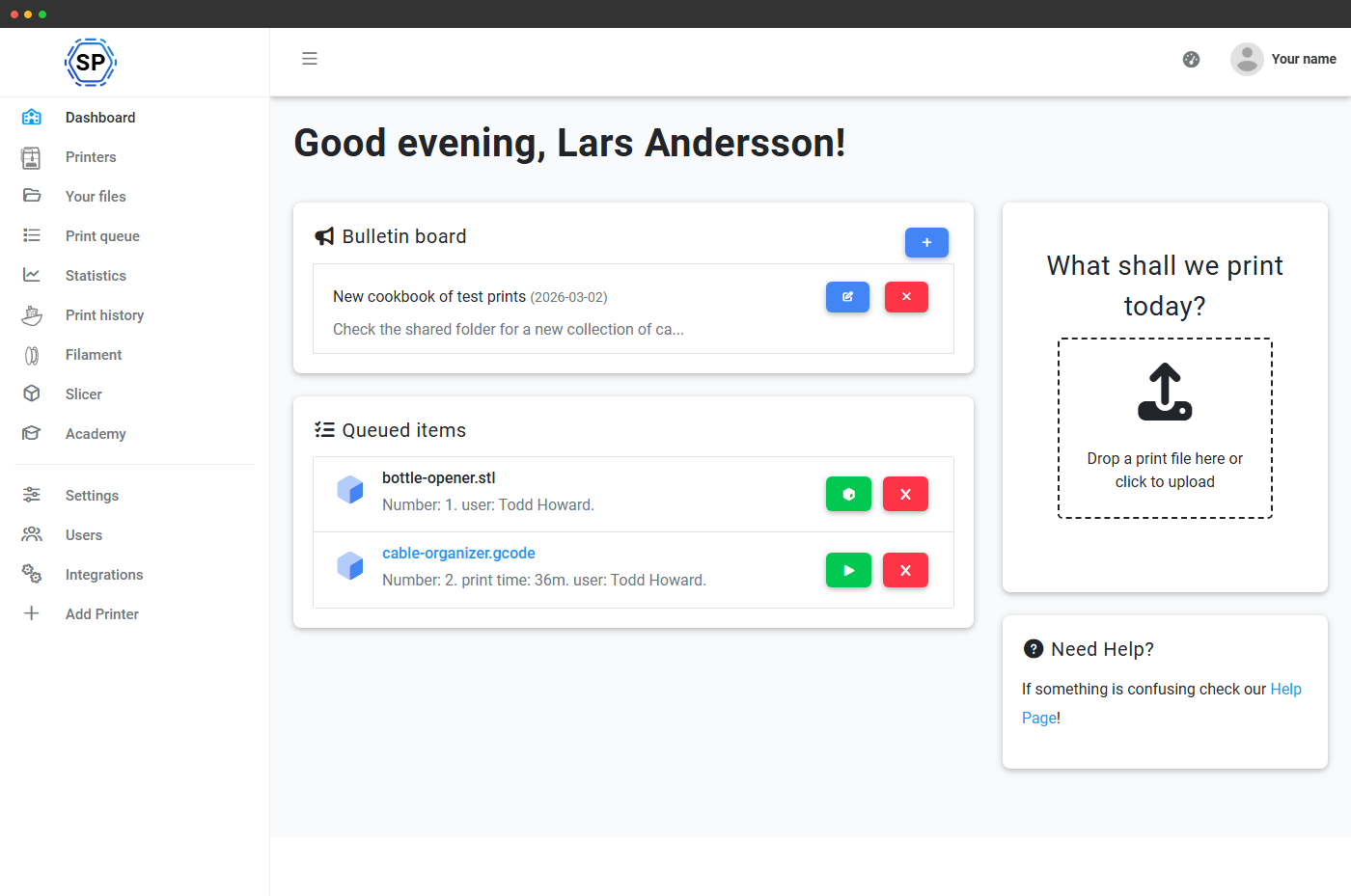
On the Education plan, the user system grows a Classes column on the users page, a teacher / student split, a dedicated student-friendly dashboard and queue approval so teachers vet prints before they hit the bed.
Auto-import classes from your SSO (Unilogin and more), promote SSO group members to teachers automatically, and roll the whole roster forward at the end of each school year without lifting a finger.
Per-user quotas and balances
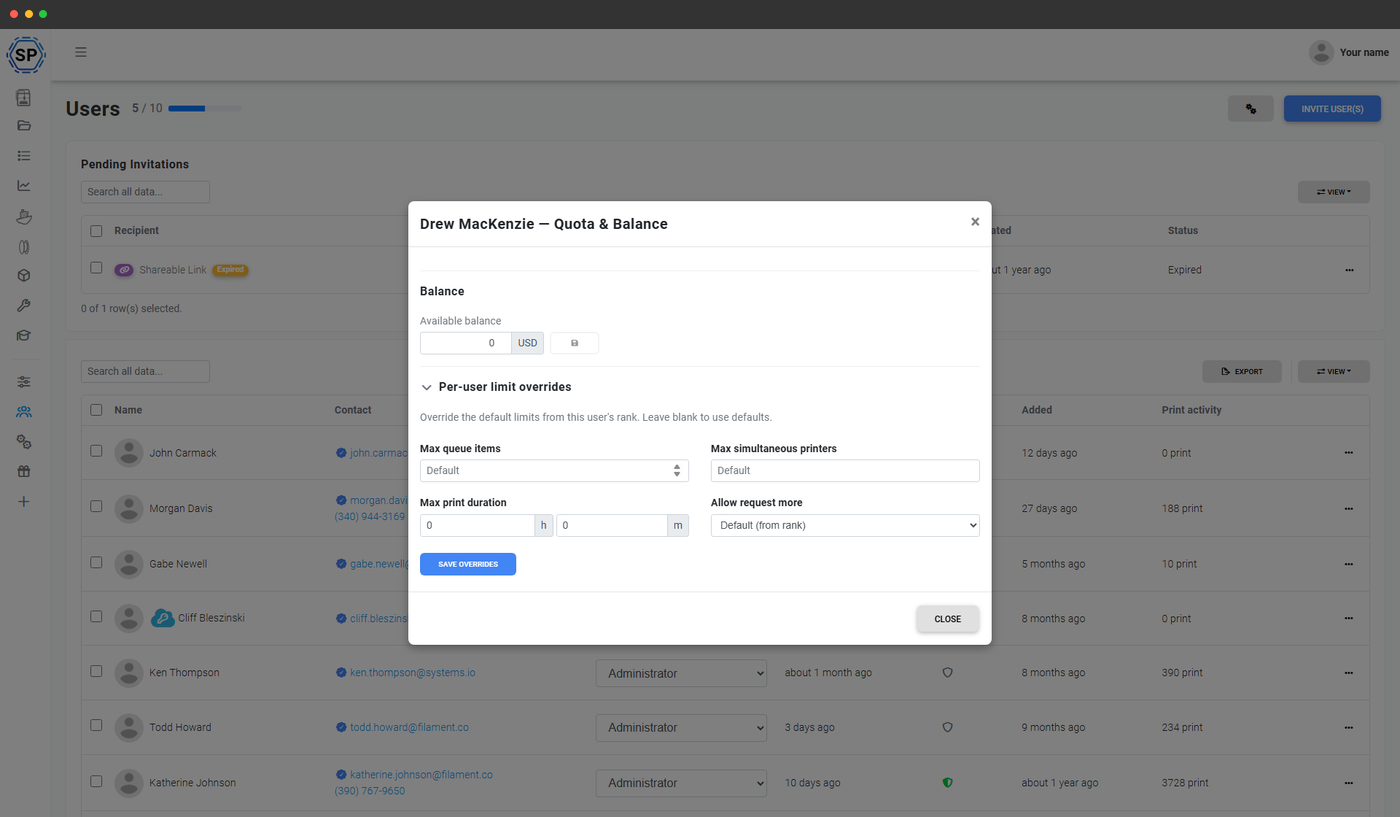
On the Education and Enterprise plans, you can put each user on a budget. Set monthly print-time, filament-weight or print-count quotas per user or per rank, top up balances when students earn extra credit, and approve quota-refund requests from a single dashboard.
Quotas are checked at queue time, so a user who'd blow their budget can't sneak a 30-hour print past the system. Combine with queue approval for full control over what gets printed and by whom.
Export your user list, audit every action
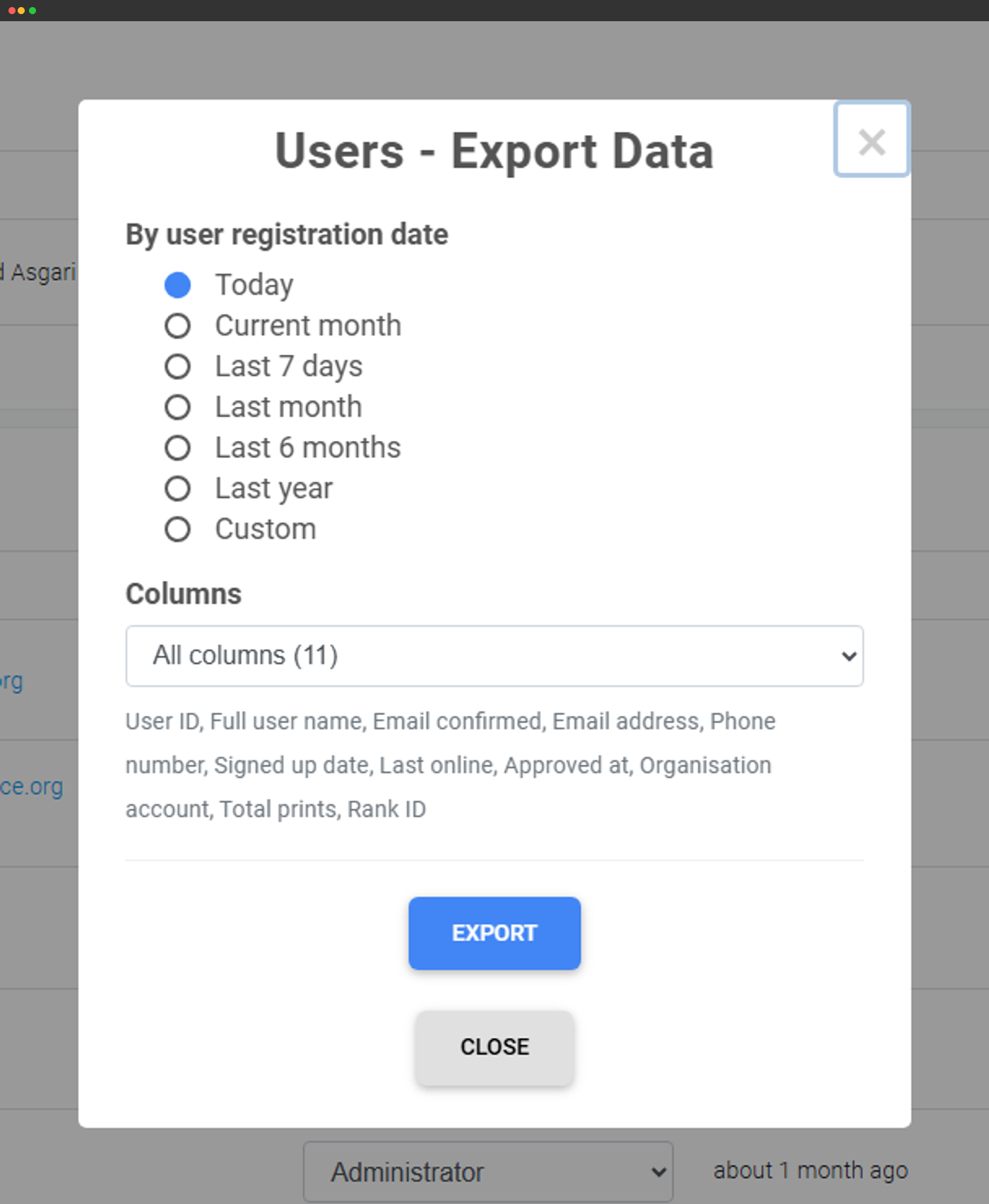
Need to hand a list of users to IT, finance or a researcher? Export to CSV with one click - including names, emails, ranks, custom fields and last-active timestamps.
Every action a user takes (logins, prints started, files uploaded, settings changed) is logged. Account admins on School and Enterprise plans get access to the account audit log, with full CSV export available on Enterprise.
What's free, what's not - plan limits at a glance
Free and Basic are single-user accounts - perfect for hobbyists running their own printers. From Print Farm upwards you get the full multi-user system with unlimited users, every permission, every rank. Education adds classes, teacher / student split and per-user quotas. Enterprise layers on SSO, required-2FA, audit-log export and a signed DPA.
| Feature / Limit | Free | Basic | Pro | Print Farm | Enterprise | School | Cloud Slicer | Filament Manager |
|---|---|---|---|---|---|---|---|---|
|
Included users
Seats included with the plan. Print Farm and Enterprise can stack extra user seats on top; School includes 500 out of the box.
|
1 | 1 | 1 | 1 | 10 | 500 | 1 | 1 |
|
Multiple users
Invite real user accounts, set ranks and permissions, track who did what
|
||||||||
|
Per-user quotas & balances
Cap print-time, filament use or print count per user or rank
|
||||||||
|
Queue approval workflow
Teachers and admins vet print jobs before they reach the printer
|
||||||||
|
Single sign-on (SSO)
SAML and Unilogin SSO, with auto-provisioning and class import
|
||||||||
|
Required 2-factor authentication
Force every user in the account to enable 2FA before logging in
|
||||||||
|
Account audit log
Full timeline of who did what - logins, prints, settings changes
|
||||||||
|
Audit log export
Download the audit log to CSV for compliance, IT or finance review
|
Want to learn more about our plans?
View full pricing & feature comparison